Beckhoff RT Linux®
Installation
- 1. Use the CLI directly on your device. Alternatively, you can also connect via SSH.
- 2. Log in as an administrator.
- 3. Update the packages in the Package Manager.
sudo apt update
- 4. Search for the existing TF2000 packages.
sudo apt search tf2000
- 5. Install TF2000 via the Package Manager.
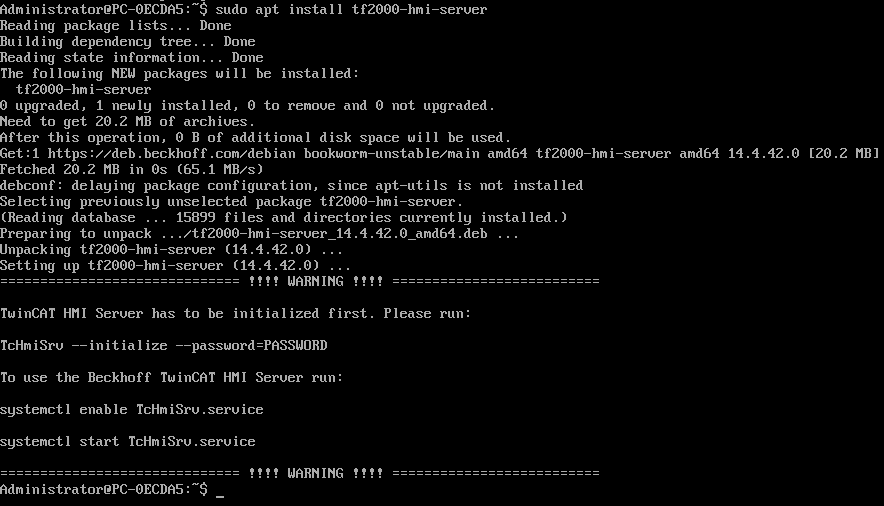
- The server has been successfully installed.
/etc/TwinCAT/Functions/TF2000-HMI-Server/
sudo apt install tf2000-hmi-server
sudo systemctl enable TcHmiSrv.service
sudo systemctl start TcHmiSrv.service
