Min Max Avg

The Min Max Avg calculates the minimum, maximum and the average of the input values from the beginning of the analysis up to the current moment. Compared to Min Max Avg 1Ch, any number of input channels are supported. The calculations are performed separately for each input channel. Additional output values are also calculated across all input channels.
Optionally, a Boolean signal can be selected for the Enable Execution input so that the algorithm is only active if the value of the selected signal is TRUE.
Configuration options
- Num Channels: The number of operands that are inputs to the function.
Output values
- Overall Result: Result across all input channels
- Min: Indicates the minimum of the input values.
- Max: Indicates the maximum of the input values.
- Avg: Indicates the average of the input values.
- Time Min: Indicates the time value of the minimum → the event can be dragged and dropped into the Scope chart to display it as a trigger-event.
- Time Max: Indicates the time value of the maximum → the event can be dragged and dropped into the Scope chart to display it as a trigger-event.
- Min: Indicates the minimum of the input values per channel.
- Max: Indicates the maximum of the input values per channel.
- Avg: Indicates the average of the input values per channel.
Standard HMI Controls
For the algorithm, the following HMI controls are available for generating an Analytics Dashboard:
1. The Average Chart Control visualizes the output values Min, Max, Avg, Time Min and Time Max.

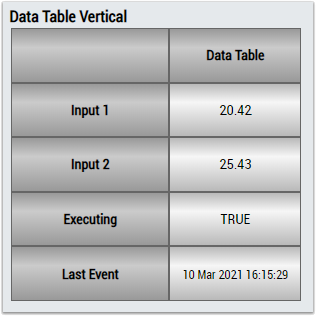
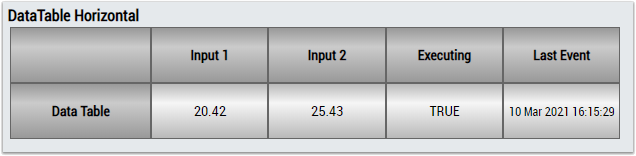
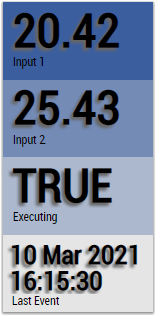
2. The Table Control or List Control visualizes all output values.