Installation
Depending on the TwinCAT version and operating system used, this TwinCAT 3 Function can be installed in different ways, which are described in more detail below.
 | Update installation An update installation always uninstalls the previous installation.
|
TwinCAT 3 Package Manager: Installation (TwinCAT 3.1 Build 4026)
If you are using TwinCAT 3.1 Build 4026 (and higher) on the Microsoft Windows operating system, install this function via the TwinCAT Package Manager (TcPkg). Detailed instructions on installing products can be found in the chapter Managing TwinCAT Software in the TwinCAT 3.1 Build 4026 installation instructions.
Notice | |
Unprepared TwinCAT restart can cause data loss The installation of this function may result in a TwinCAT restart.
|
TwinCAT Package Manager UI
Install the following workload via the TcPkg User Interface (UI) to use the product:
- TE13xx | TwinCAT 3 Scope View
TwinCAT Package Manager CLI
You can use the TcPkg Command Line Interface (CLI) to display the available workloads on the system:
tcpkg list -t workloadUse the following command to install the Workload:
tcpkg install TE1300.ScopeViewProfessional.XAETwinCAT 3 setup: Installation (TwinCAT 3.1 Build 4024 and earlier)
If you are using TwinCAT 3.1 Build 4024 on the Microsoft Windows operating system, install this function via a setup package, which you can download from the Beckhoff website at https://www.beckhoff.com/download.
Depending on the system on which you need the function, the installation can be done on either the engineering or runtime side. The following screenshot is an example of the Setup interface.
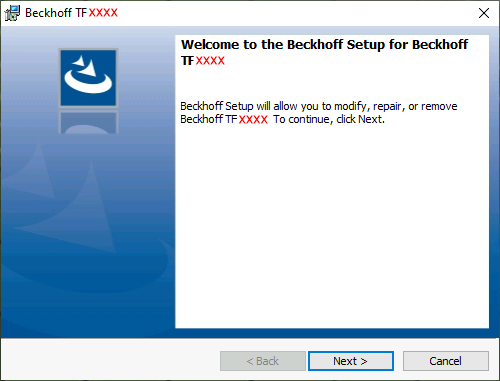
To complete the installation process, follow the instructions in the Setup dialog.
Notice | |
Unprepared TwinCAT restart can cause data loss The installation of this function may result in a TwinCAT restart.
|
After the installation
The next step after successful installation is licensing of the products “TE130x Scope View” and/or “TF3300 Scope Server”. By default the product level “Base” is active, which is available without a chargeable license. The advanced functionality can be enabled through corresponding licensing, e.g. for the product level “Professional”. Further steps then are: