Installation
Downloading the setup file
The TwinCAT Measurement Setup is available as a download from the Beckhoff website. These are the latest versions of various measurement products, such as Scope View, Scope Server, Bode Plot, Filter Designer, etc. The range of functions can only be activated via licenses. Follow these steps to download the setup file:
- ►Open the web browser of your choice and go to the Beckhoff website: www.beckhoff.com.
- ►In the structure tree of the web page, go to the Automation node and select the relevant product. For example: > TwinCAT 3 > TE1xxx | TC3 Engineering > TE13xx | TC3 Scope View Professional.
- ►Click on the download link to place the software in the shopping cart. Then click on Start download.
- ►(Optional) Transfer the downloaded file to the TwinCAT runtime system you want to install the product on.
Setup installation (TwinCAT 3.1 Build 4024)
The following section describes how to install the TwinCAT 3 function for Windows-based operating systems.
- The TwinCAT 3 function setup file was downloaded from the Beckhoff website.
- ►Run the setup file as administrator. To do this, select the Run As Admin command in the context menu of the file.
- The installation dialog opens.
- ►Accept the end user licensing agreement and click Next.

- ►Enter your user data.
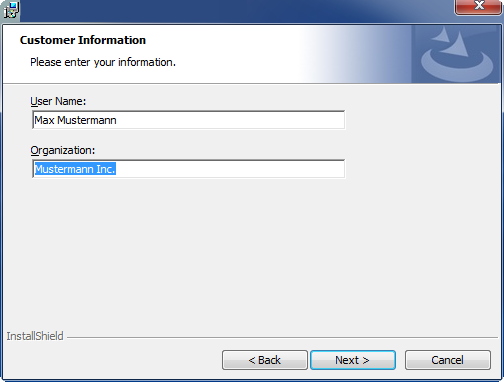
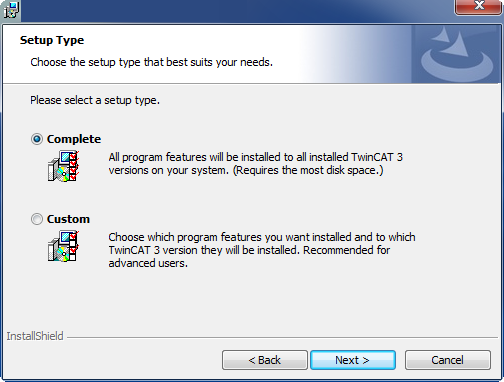
- ►If you want to install the full version of the TwinCAT 3 function, select Complete as the installation type. If you want to install the TwinCAT 3 function components separately, select Custom.
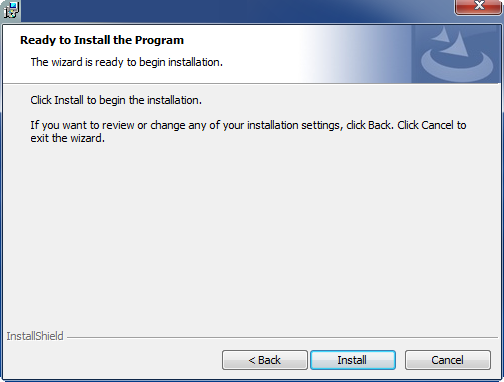
- ►Click Next, then Install to start the installation.
- A dialog box informs you that the TwinCAT system must be stopped to proceed with the installation.
- ►Confirm the dialog with Yes.

- ►Click Finish to exit the setup.
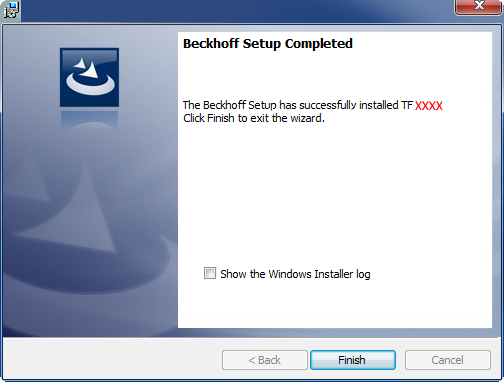
- The TwinCAT 3 function has been installed successfully.
After the installation
The next step after successful installation is licensing of the products “TE130x Scope View” and/or “TF3300 Scope Server”. By default the product level “Base” is active, which is available without a chargeable license. The advanced functionality can be enabled through corresponding licensing, e.g. for the product level “Professional”. Further steps then are: