Setting up the TwinCAT Package Manager
When you start the TwinCAT Package Manager for the first time, a wizard opens to guide you through the initial configuration. Navigate through the pages of the wizard using the buttons at the bottom or the tabs on the left-hand side. You can change the configuration of the feeds and the integration later via the Settings menu.
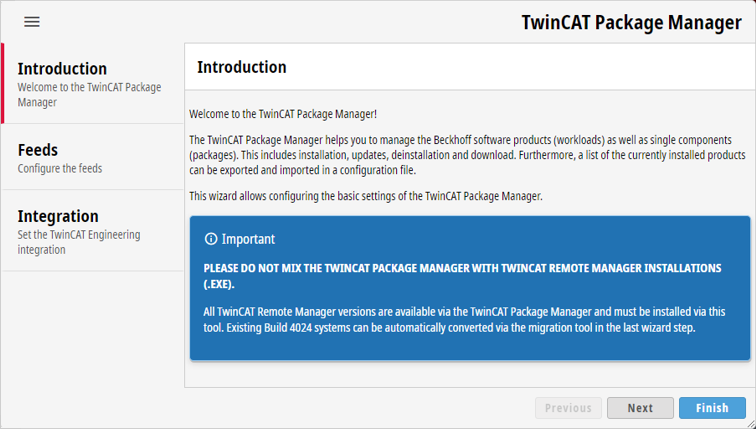
Feeds
The first step is to define which feeds you want to access. You can use these feeds to query and initialize the TwinCAT software after the initial configuration. Further information on creating and managing feeds can be found in the chapter Accessing TwinCAT software.
Integration
In the second step, you define in which TwinCAT XAE Shell or Visual Studio version you want to integrate TwinCAT Engineering. If you do not wish to install TwinCAT Engineering, you can omit this configuration. A more detailed description can be found under Change Visual Studio integration.
Migration
If you are using an existing system on which TwinCAT 3 build 4024 or older versions are already installed, the wizard will show you a third step. In this tab, you use the migration tool to migrate the existing system to TwinCAT 3 Build 4026, which is based on the TwinCAT Package Manager. Further details on migration can be found under Migrating existing TwinCAT systems.