Linking details
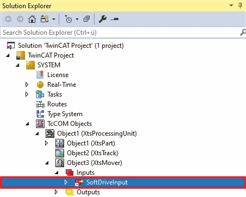
- ►Expand Solution-Explorer > TwinCAT Project > SYSTEM > TcCOM Objects > Object (XtsProcessingUnit) > Object (XtsMover) > Inputs
- ►Double-click on SoftDriveInput
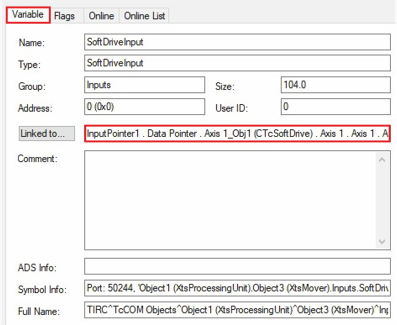
- ►Click on the Variable tab in the project window
Details of the linking are displayed at Linked to….