Notes on the publishing process
The following list contains items that can be checked if the publish process fails:
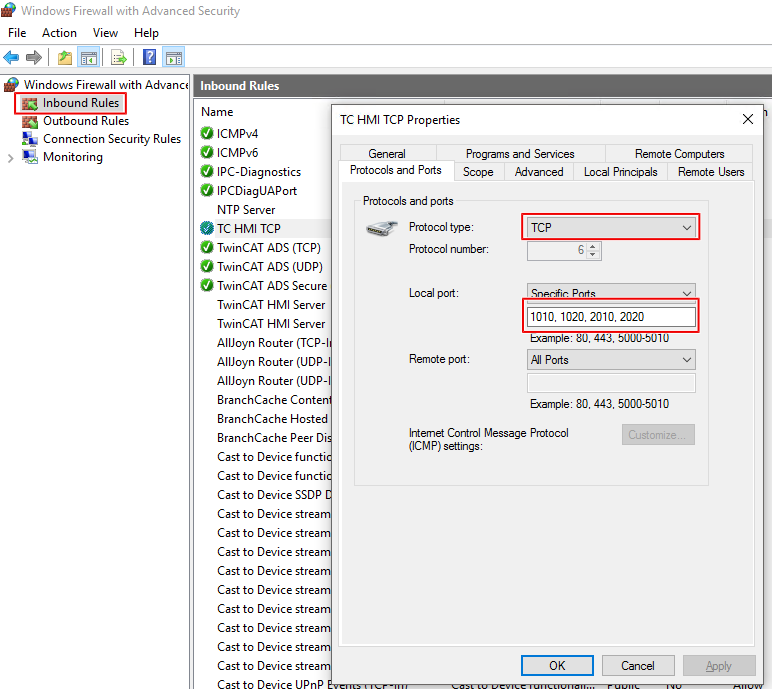
- The port on which the TwinCAT HMI Server is running must be enabled on the target system. (1010 and 1020 for TcHmi v1.12; 2010 and 2020 for TcHmi v1.14)
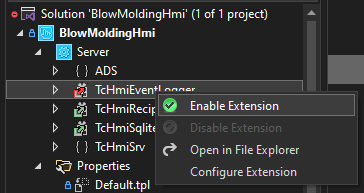
- Server extensions must be enabled if they are to be published.
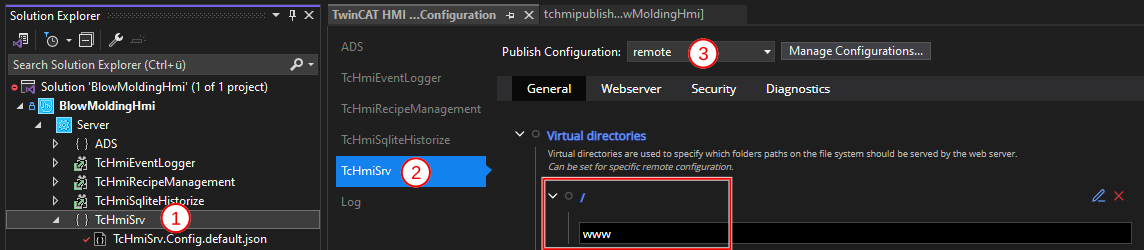
- The following virtual directory must have availability for Remote Configuration.
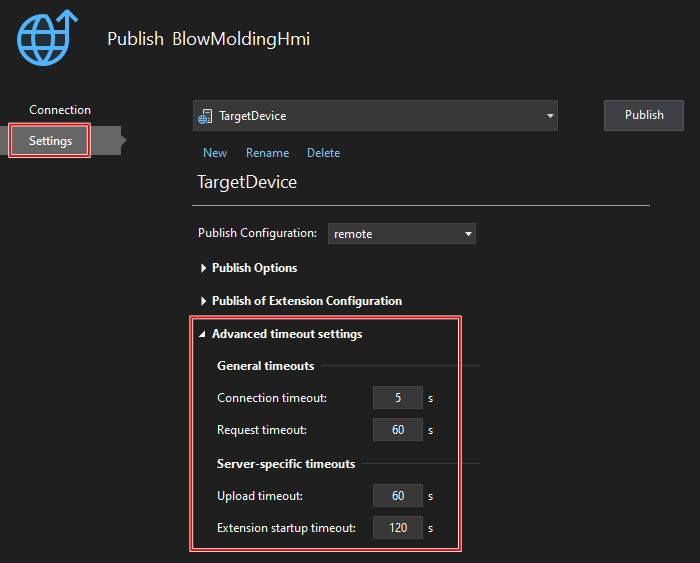
- For slow systems or connections, you can increase the time-out periods under "Settings/Advanced timeout settings".
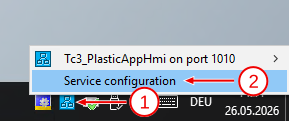
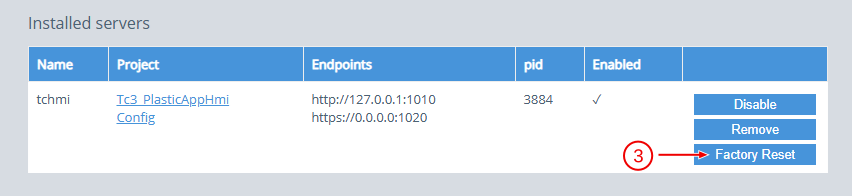
- If a project has already been published to a target device, the server can be reset using Factory Reset if necessary. This is helpful, for example, when another project needs to be transferred or when the target system needs to be rolled back to an older version.
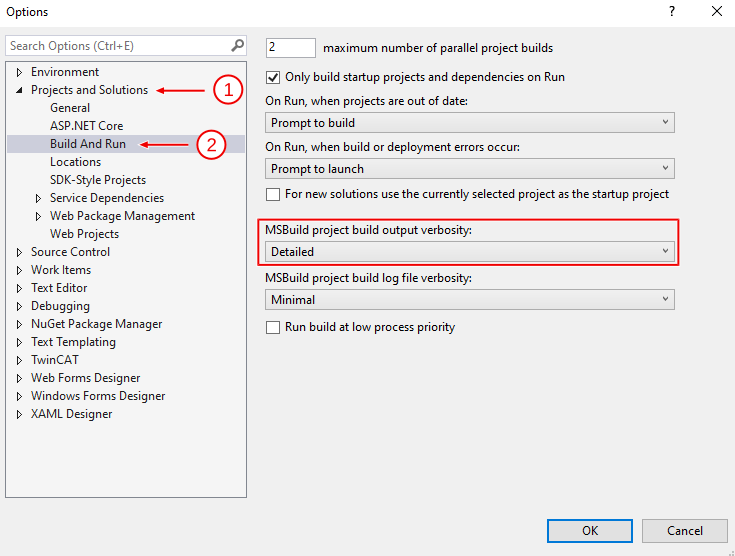
- With the following setting under "Tools/Options…", more information about the publish process is displayed in the build output: