Scheduling
Temperature_TimeScheduling.content
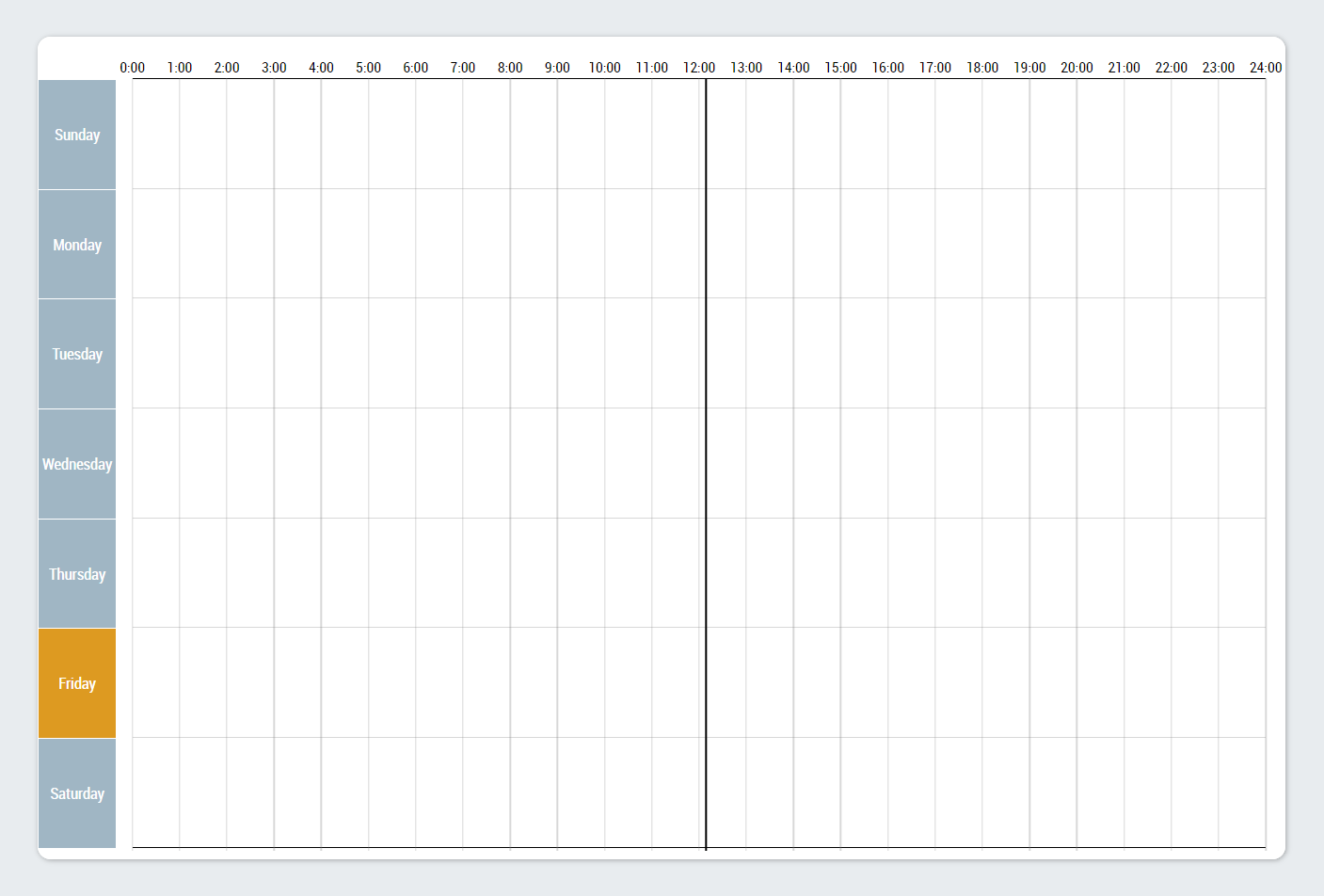
The page for time control of the temperature zones and temperature groups contains a TemperatureScheduler control. The control requires an instance of the FB_TempScheduleHmi for the TimerList property of the Scheduler category.
Temperature_TimeScheduling_Settings.content
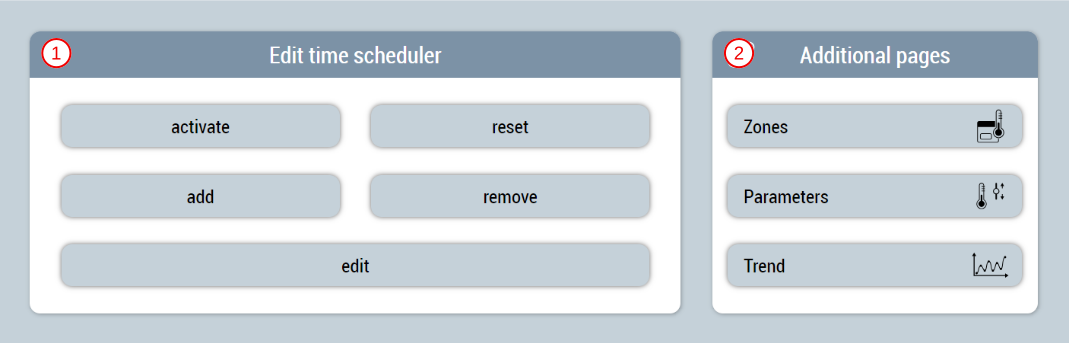
The page serves as a supplement in the slider area and includes the following functionalities:
- Activate and reset the changes, add new elements, remove or edit the selected element
- Area for navigation to other related pages
Adding or editing timers
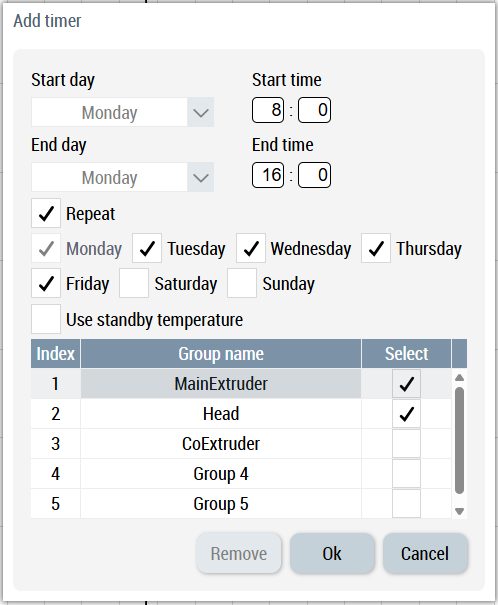
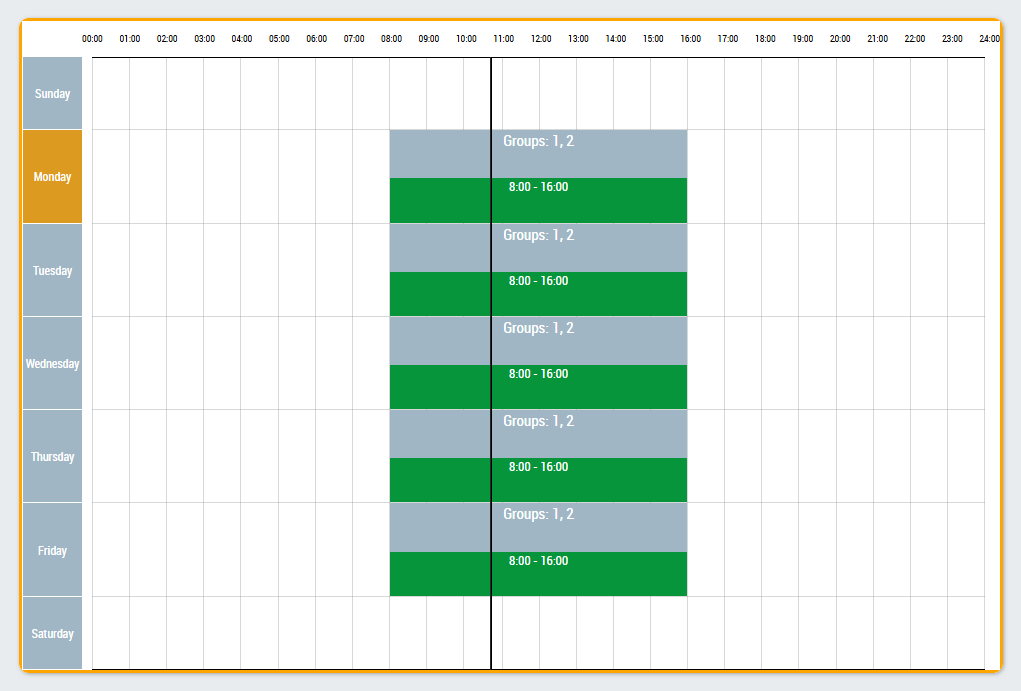
You can use the pop-up window to add or edit a timer. Each timer consists of a start date, an end date, a start time, and an end time. If the set time period is less than 24 hours, this timer can be repeated. To do this, you can select the corresponding days of the week. All available temperature groups are listed in the table and can be selected so that multiple groups can be switched on with the same timer. The checkbox can be used to set whether the selected temperature groups should use the standby temperature when switching on.
 | Available from version 12.6.0 |
| Available in the variants (link):
|


