Observe and edit various zone properties
Available: since version 12.22.0
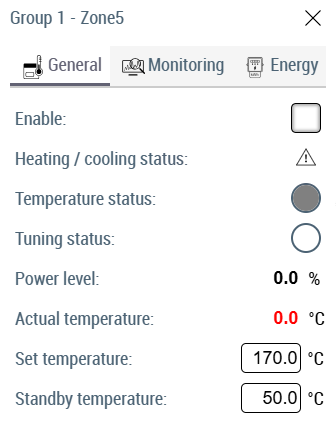
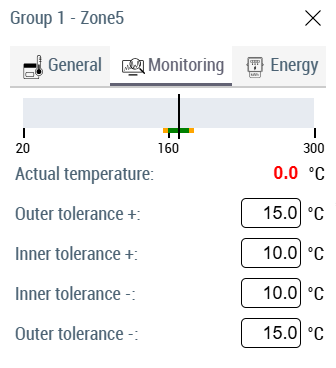
By clicking on header area of any zone temperature element user can trigger a dialog that shows various properties for selected zone.
Zone name with its group name is displayed as the popup headline text.
User can select one of the three tabs and access different properties.
- General
- Monitoring
- Energy
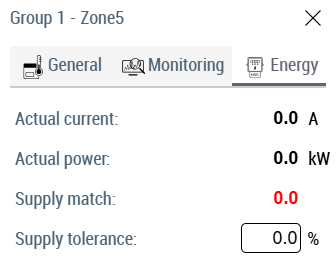
Each tab has a collection of properties that can be observed, and some editable properties can be directly edited from this dialog.