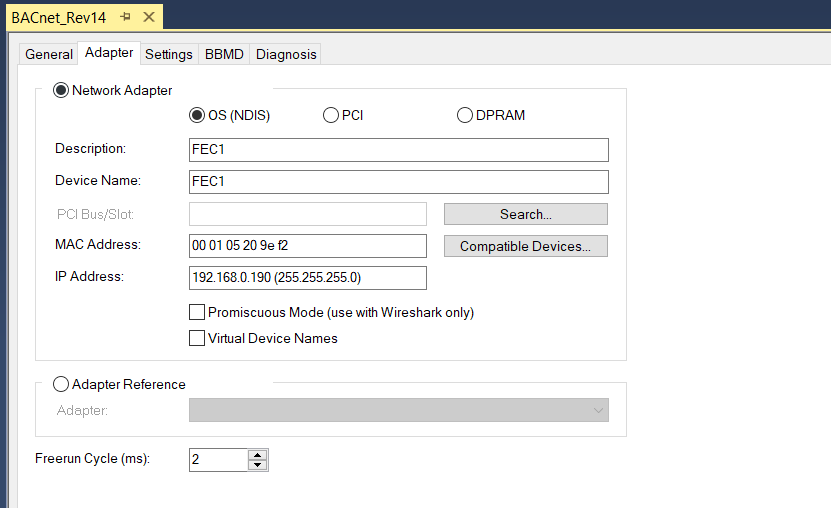
IP address settings
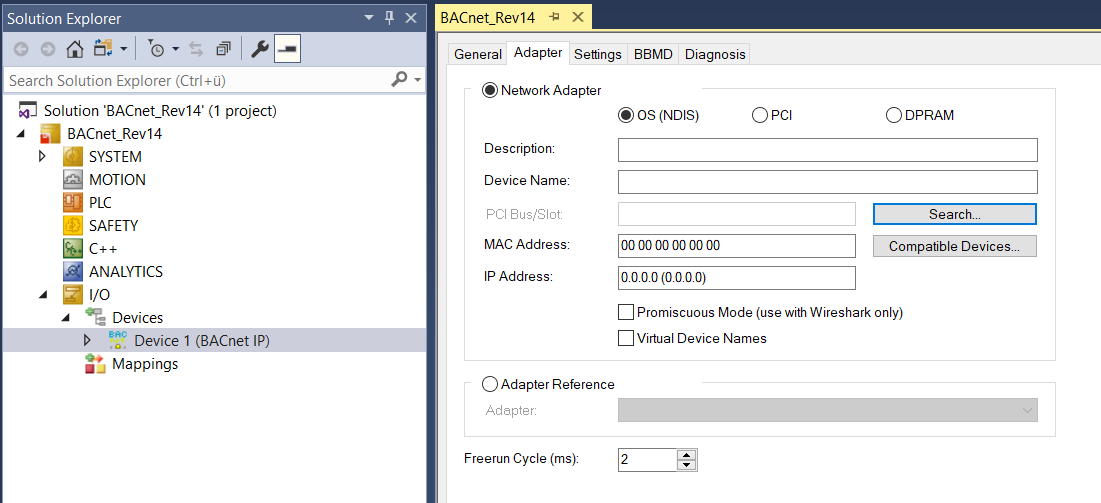
- 1. Double click to BACnet Adapter Device 1 (BACnet IP), select the Adapter tab and check, if the IP address was correctly set.
- In the figure below the MAC address and IP address are set to zero, no adapter was selected.
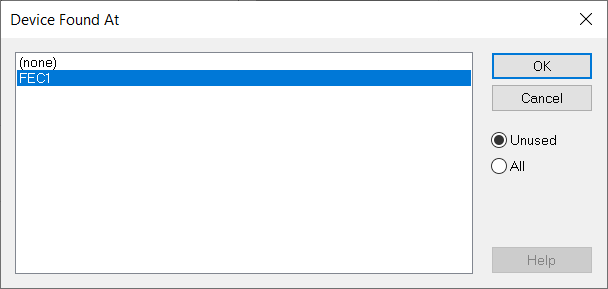
- 2. Select Search and select the network interface. Depending on the controller type the names and number of network interfaces may vary.
- 3. Check if the IP address was set correctly.