Installation
Depending on the TwinCAT version and operating system used, this TwinCAT 3 Function can be installed in different ways, which are described in more detail below.
 | Update installation An update installation always uninstalls the previous installation.
|
TwinCAT 3 Package Manager: Installation (TwinCAT 3.1 Build 4026)
If you are using TwinCAT 3.1 Build 4026 (and higher) on the Microsoft Windows operating system, install this function via the TwinCAT Package Manager (TcPkg). Detailed instructions on installing products can be found in the chapter Managing TwinCAT Software in the TwinCAT 3.1 Build 4026 installation instructions.
Notice | |
Unprepared TwinCAT restart can cause data loss The installation of this function may result in a TwinCAT restart.
|
TwinCAT Package Manager: Installation (TwinCAT 3.1 Build 4026)
Detailed instructions on installing products can be found in the chapter Managing TwinCAT software in the TwinCAT 3.1 Build 4026 installation instructions.
Install the following workload to be able to use the product:
- TF6255 | TwinCAT 3 Modbus RTU
TwinCAT Package Manager CLI
You can use the TcPkg Command Line Interface (CLI) to display the available workloads on the system:
tcpkg list -t workloadUse the following command to install the Workload:
tcpkg install TF6255.ModbusRTU.XAETwinCAT 3 setup: Installation (TwinCAT 3.1 Build 4024 and earlier)
If you are using TwinCAT 3.1 Build 4024 on the Microsoft Windows operating system, install this function via a setup package, which you can download from the Beckhoff website at https://www.beckhoff.com/download.
Depending on the system on which you need the function, the installation can be done on either the engineering or runtime side. The following screenshot is an example of the Setup interface.
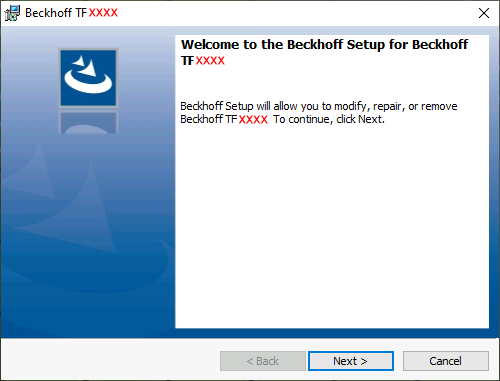
To complete the installation process, follow the instructions in the Setup dialog.
Notice | |
Unprepared TwinCAT restart can cause data loss The installation of this function may result in a TwinCAT restart.
|