Installation
If you are using TwinCAT 3.1 Build 4026 (and higher) on the Windows operating system, you can install this function via the TwinCAT Package Manager, see Installation documentation. Normally you install the function via the corresponding workload. However, you can also install the packages contained in the workload individually. This documentation briefly describes the installation process via the workload.
Command line program TcPkg
You can use the TcPkg Command Line Interface (CLI) to display the available workloads on the system:
tcpkg list -t workloadYou can use the following command to install the workload of this function.
tcpkg install TF610x.OpcUaClientPubSub.XAE
tcpkg install TF610x.OpcUaClientPubSub.XAR
TwinCAT Package Manager UI
You can use the User Interface (UI) to display all available workloads and install them if required.
To do this, follow the corresponding instructions in the interface.
Installation of the corresponding package or workload can be done via TcPkg CLI or TcPkg UI.
 | Unprepared TwinCAT restart can cause data loss The installation of this function may result in a TwinCAT restart. Make sure that no critical TwinCAT applications are running on the system or shut them down in an orderly manner first. |
Beckhoff RT Linux®
- 1. Use the CLI directly on your device. Alternatively, you can also connect via SSH.
- 2. Log in as an administrator.
- 3. Update the packages in the Package Manager.
sudo apt update - 4. Search for the existing TF6100 packages.
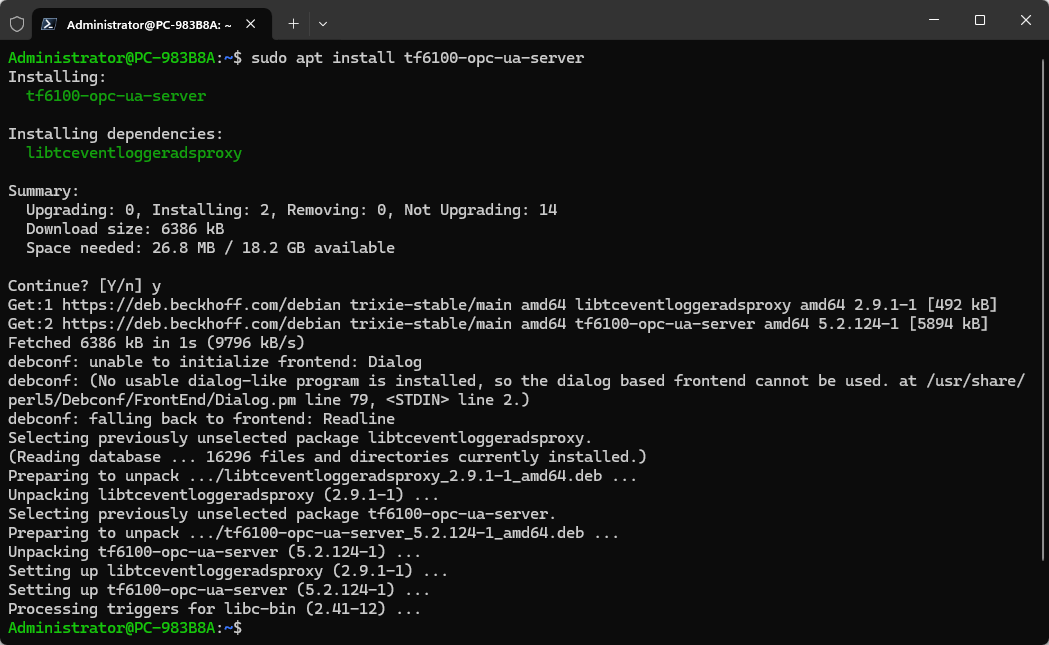
sudo apt search tf610x - 5. Install TF6100 OPC UA server via the Package Manager.
sudo apt install tf610x-opc-ua-client-pubsub
- The TF6100 OPC UA server is installed.
TwinCAT/BSD
- 1. Use the CLI directly on your device. Alternatively, you can also connect via SSH.
- 2. Log in as an administrator.
- 3. Update the packages in the Package Manager.
doas pkg update - 4. Search for the existing TF610x packages.
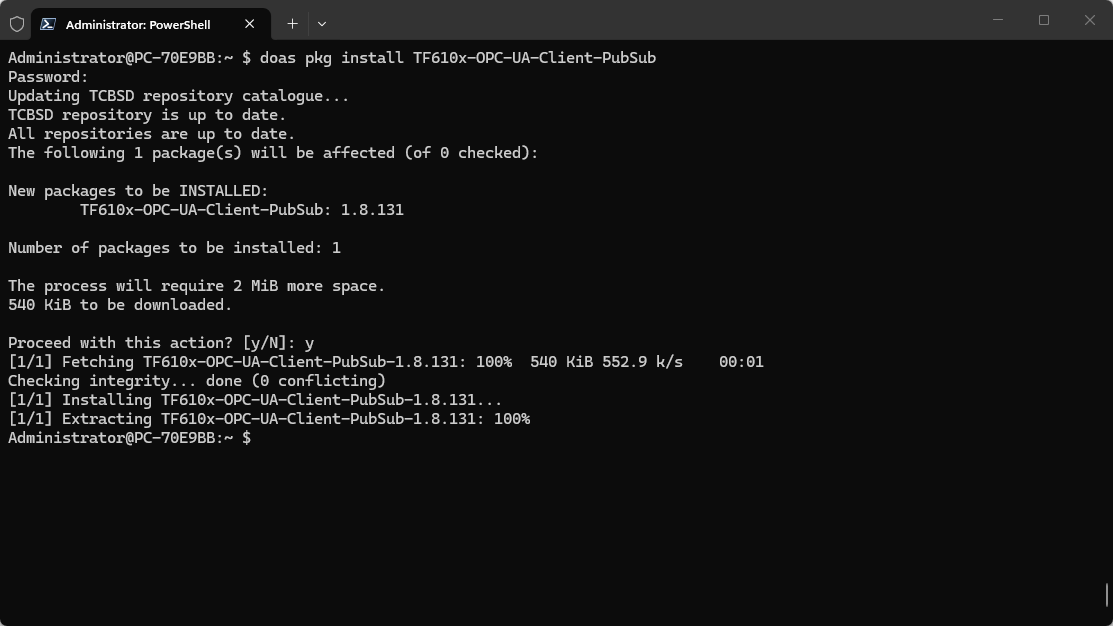
doas pkg search TF610x - 5. Install TF610x OPC UA client PubSub via the Package Manager.
doas pkg install TF610x-OPC-UA-Client-PubSub
- The TF6100 OPC UA client is installed.