Adding a visualization to a project
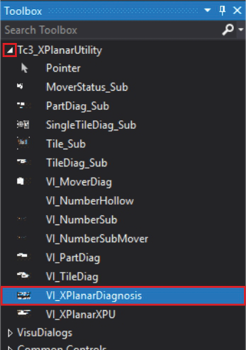
- ►Expand Toolbox > Tc3_XPlanarUtility
- ►Press and hold the left mouse button and drag VI_XPlanar_Diagnostics into the project window Visualization
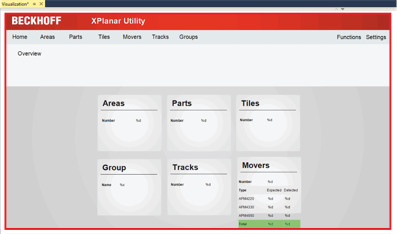
The visualization is displayed in the project window Visualization.
- ►If required, enlarge the visualization for better operability
- ►If necessary, position the visualization in the project window