Create axis object/add axis
- A TwinCAT project with an MC project has been created;
see Creating an MC project.
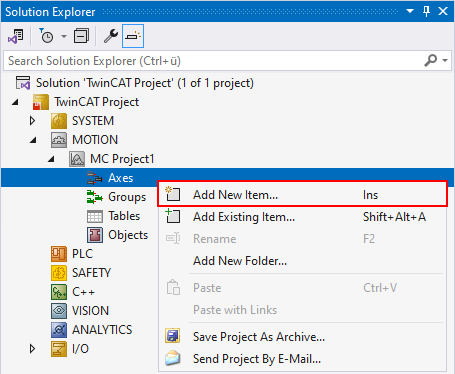
- 1. Right-click Axes > Add New Item...
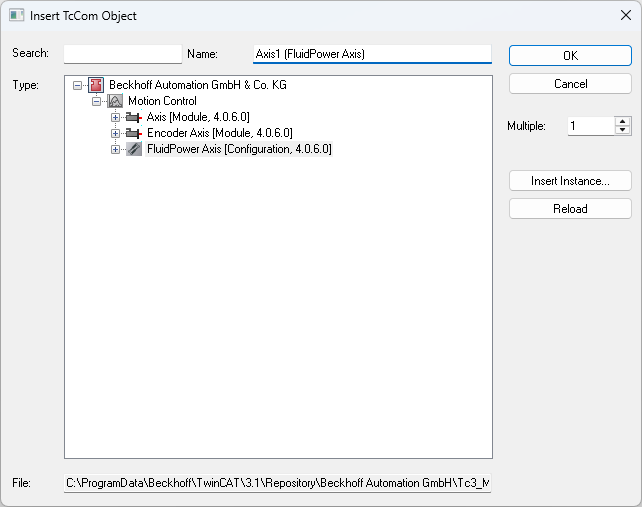
- In the Insert TcCOM Object dialog box, select the FluidPower Axis axis type under Type and click OK.
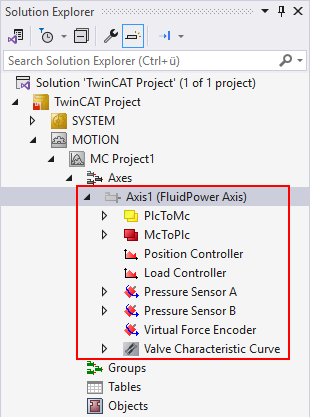
The FluidPower axis has been created with the required modules and is located below the Axes node.