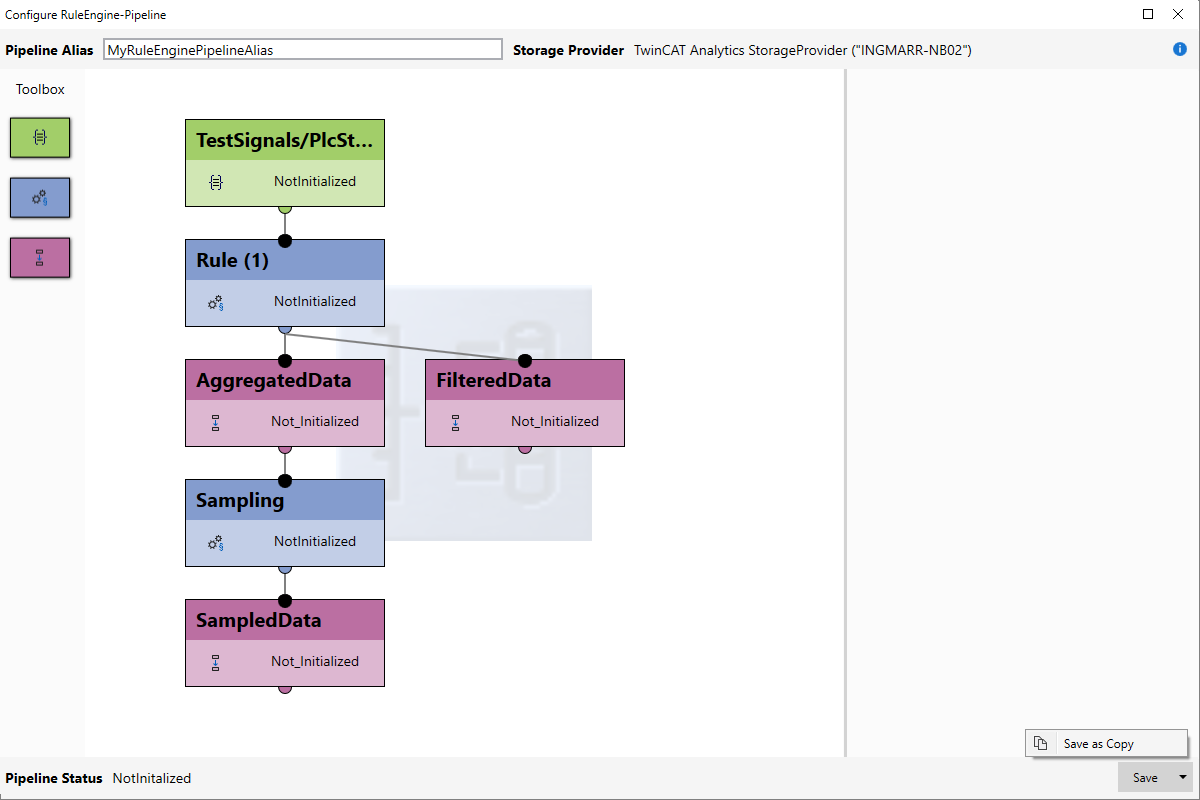
Saving a RuleEngine pipeline
A configured RuleEngine pipeline can be saved using the Save button (bottom right) in the RuleEngine Pipeline Editor. Saving is only possible if the configuration is error-free. Any errors are displayed via a message and the incorrectly configured function blocks are highlighted graphically.
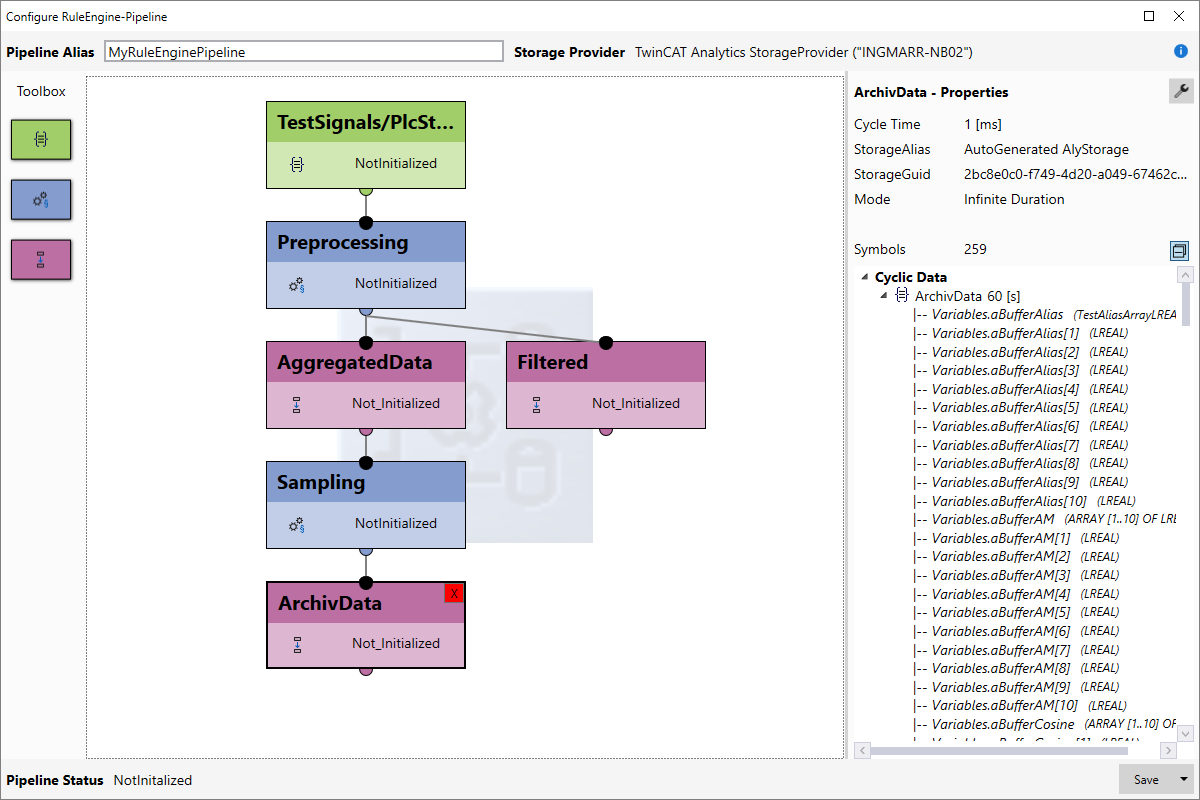
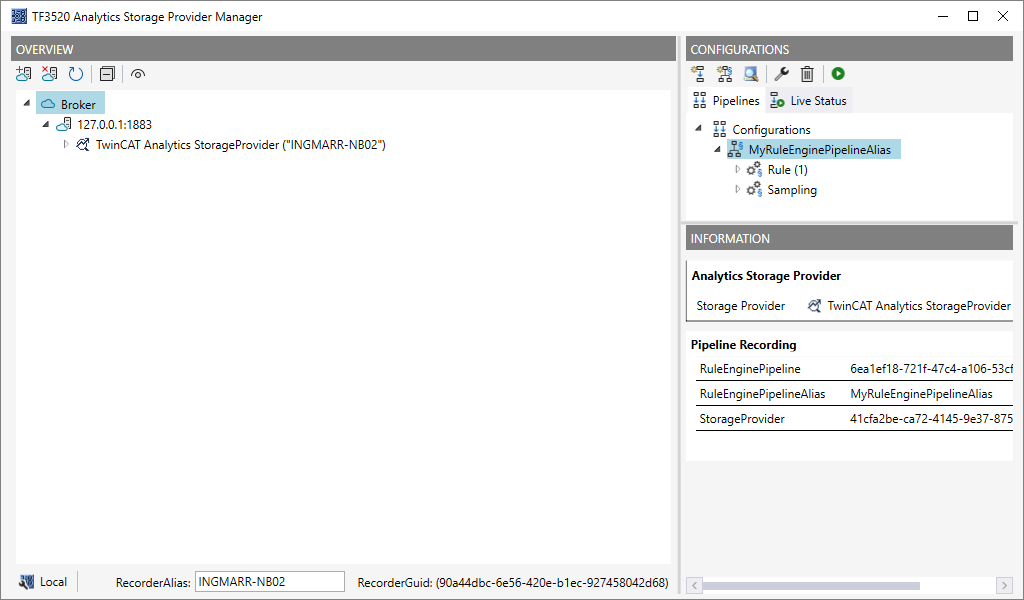
Save as copy
Existing RuleEngine pipelines can also be saved as a copy. This ensures that the existing pipeline configuration remains unchanged. To save the configuration as a copy, select Save as Copy from the context menu of the Save button.