Output
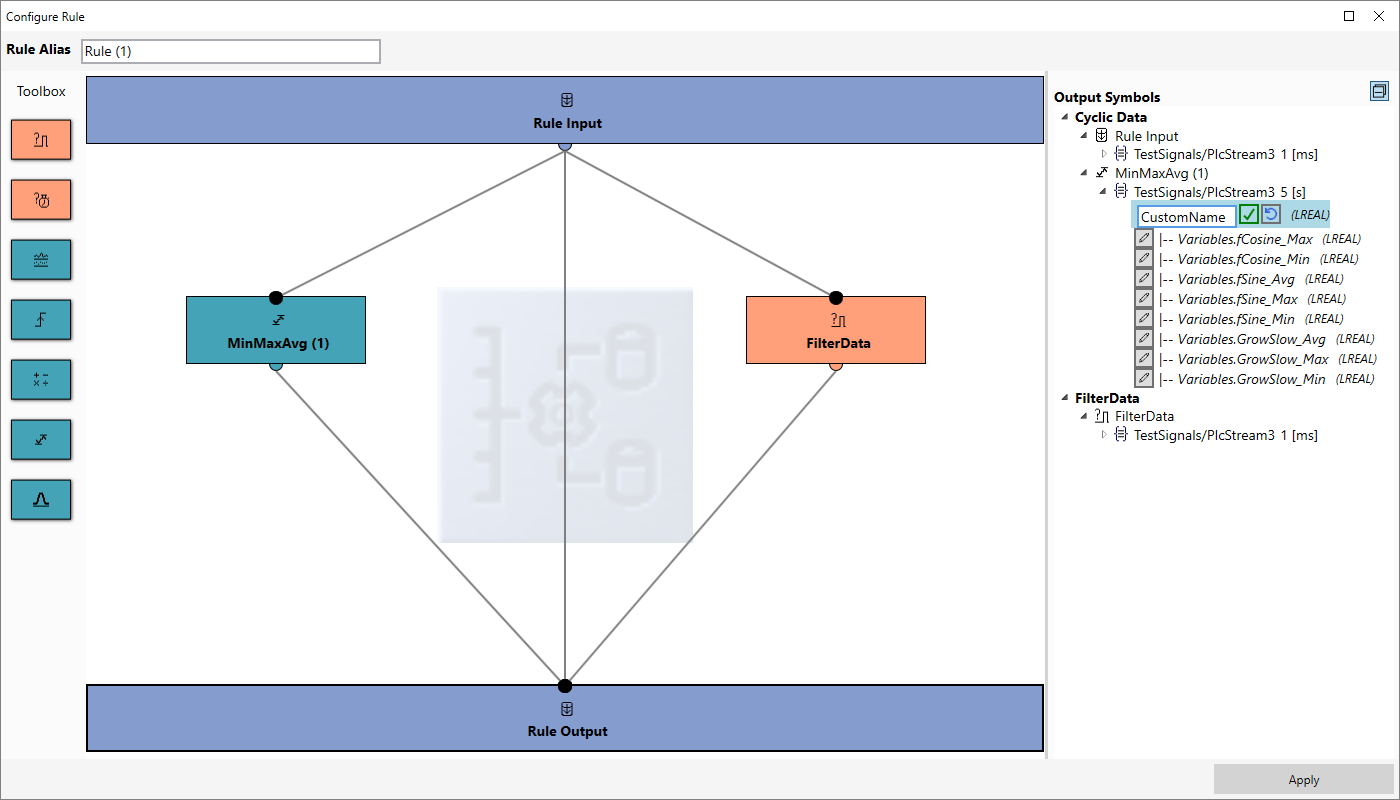
Corresponds to the output of the rule. Select all the icons for the function blocks that are connected to the rule output for subsequent recordings. Variables can be renamed at the output node. To do this, you can click on the Edit icon next to the corresponding variable.