Installation
Setup installation (TwinCAT 3.1 Build 4024)
The following section describes how to install the TwinCAT 3 function for Windows-based operating systems.
- The TwinCAT 3 function setup file was downloaded from the Beckhoff website.
- ►Run the setup file as administrator. To do this, select the Run As Admin command in the context menu of the file.
- The installation dialog opens.
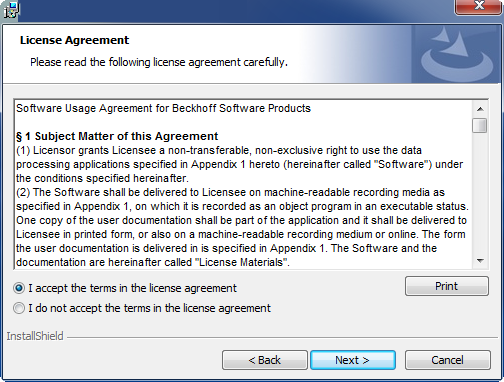
- ►Accept the end user licensing agreement and click Next.
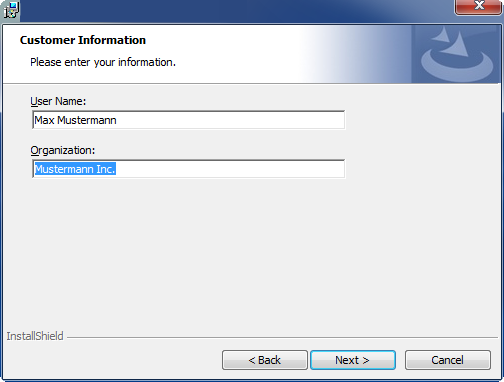
- ►Enter your user data.
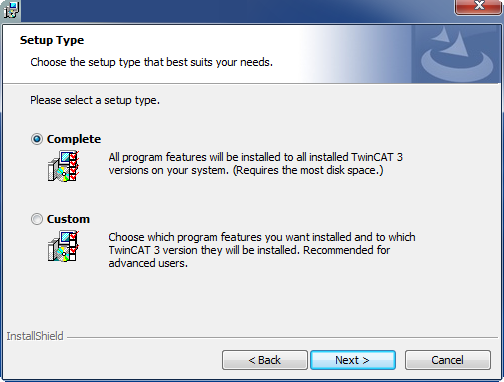
- ►If you want to install the full version of the TwinCAT 3 function, select Complete as the installation type. If you want to install the TwinCAT 3 function components separately, select Custom.
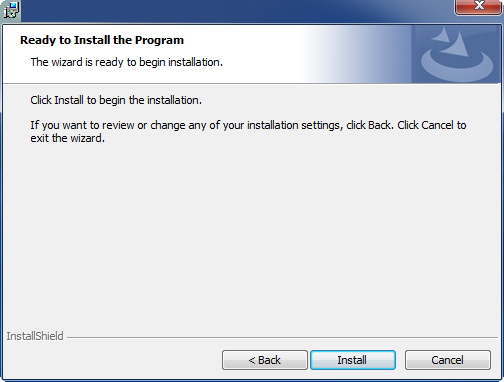
- ►Click Next, then Install to start the installation.
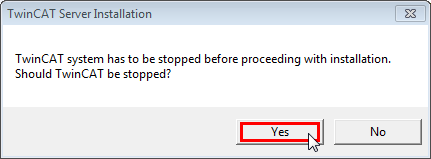
- A dialog box informs you that the TwinCAT system must be stopped to proceed with the installation.
- ►Confirm the dialog with Yes.
- ►Click Finish to exit the setup.
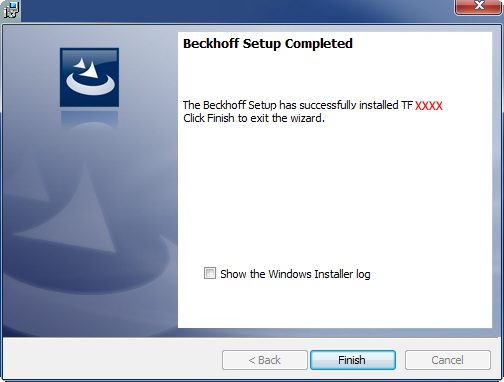
- The TwinCAT 3 function has been installed successfully.