Stream Sources
In the Stream Sources tab of the basic settings, you can select from which controller context the data is to be recorded. All available contexts are displayed automatically. For example, one or more PLC objects, EtherCAT and other I/O devices, as well as specific streams such as IPC diagnostics.
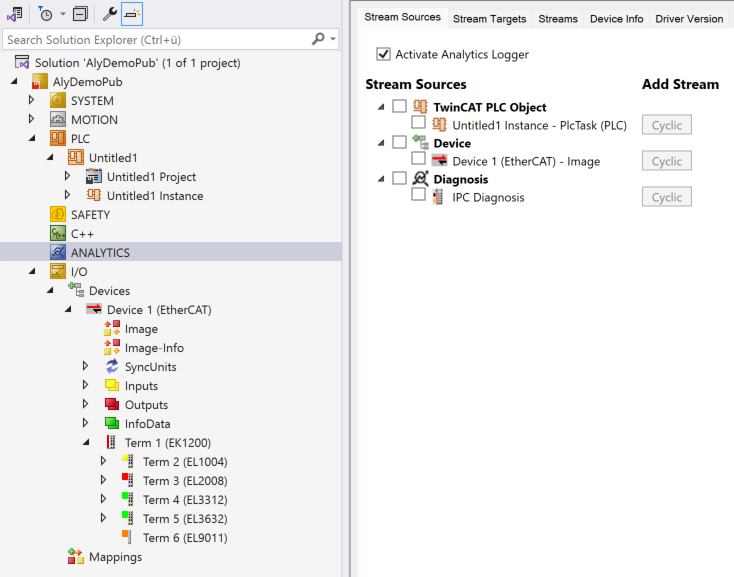
Once you have made your choice using the checkbox, the selected contexts will be visible in the tree view under the Analytics main node. In addition, the buttons under Add Stream are activated in the tab.
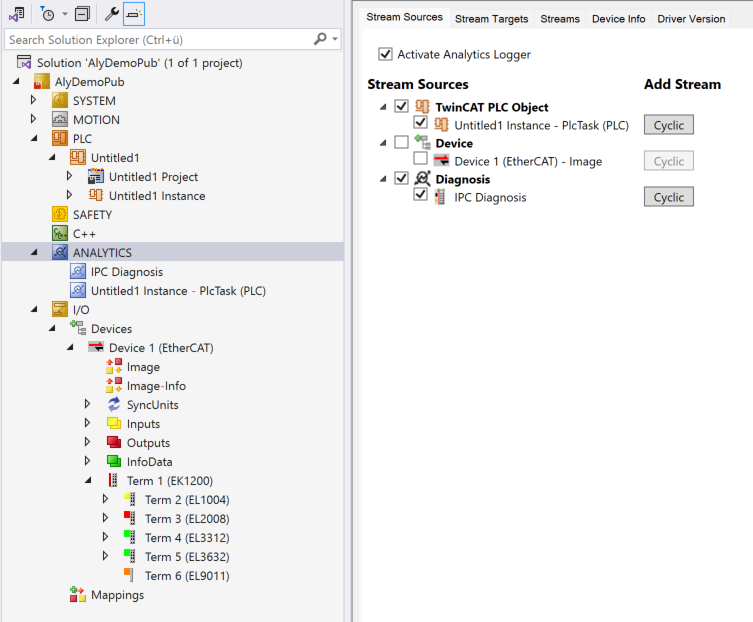
You can add one or more streams to a context using the buttons.
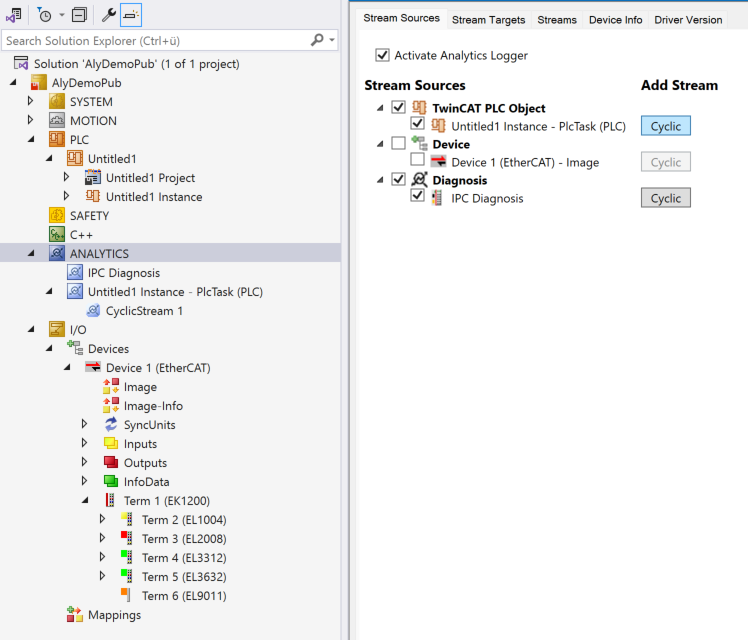
The buttons can simply be pressed several times. In the Solution Explorer, the streams are added to the respective contexts and displayed.
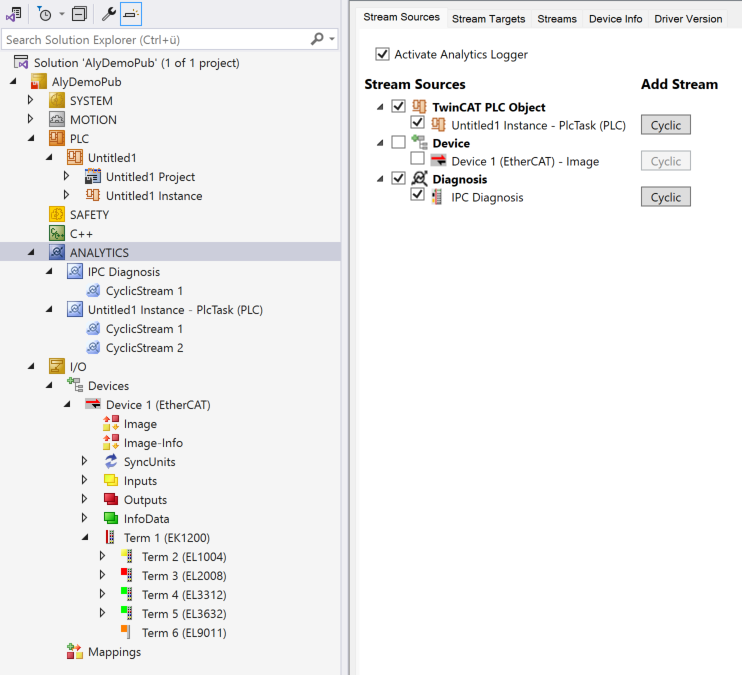
If you want to delete a stream again, simply right-click on the context menu in the tree and select Delete. Stream can also be temporarily switched to Disable via the same context menu.