Context settings
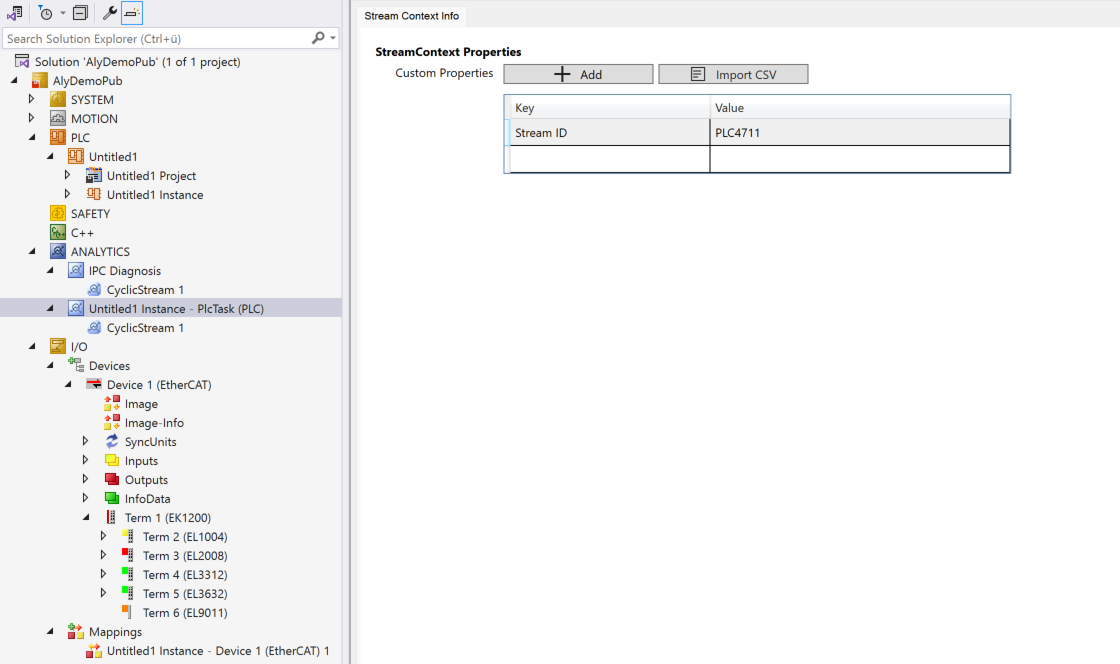
The second level in the Analytics Logger where settings can be made is the Stream Context Info. In the tree view, this level is used in particular for organization and structuring in order to separate different contexts, such as from the PLC and from different I/O devices.
Add stream
You can create new streams directly at the context level without having to switch to the tree view. The following buttons are available under **Add Stream**:
Button | Description |
|---|---|
Cyclic | Creates a new cyclic stream that records data at the task cycle time. |
On Event | Creates a new event-based stream. This button is only visible if the current context supports event-based streams. |
You can also store key-value pairs with static information on the respective context here again. If required, you can import the data pairs from a CSV file.