Default page
The UI client launches with a default page. Links to the following pages are predefined there:
- TwinCAT HMI (TF2000)
- Local device manager
- TF1200 Documentation
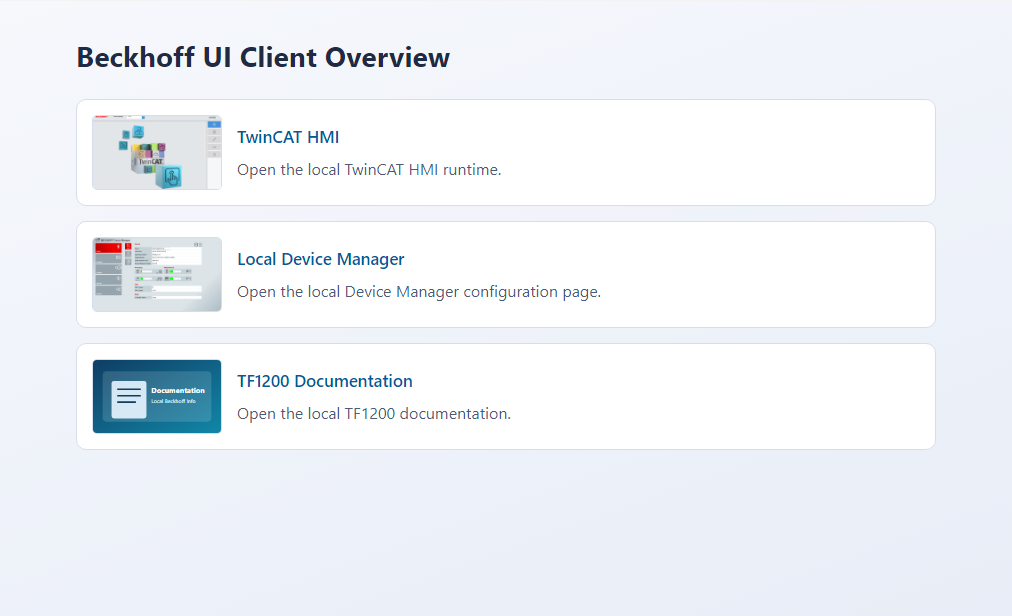
In the tiles.json file, you can add your own entries or remove any that are not needed.
Operating system | Path to the configuration |
|---|---|
Windows | %TwinCAT3dir%\Functions\TF1200-UI-Client\overview/tiles.json |
TwinCAT Runtime for Linux® | /etc/TwinCAT/Functions/TF1200-UI-Client/overview/tiles.json |
TwinCAT/BSD | /usr/local/etc/TwinCAT/Functions/TF1200-UI-Client/overview/tiles.json |
You can customize the page title in the tiles.json JSON file. There is also a Tiles array. Here, you can add or delete individual tiles.
Key | Description |
|---|---|
title | Entry title |
text | Entry description |
url | The URL that is opened when you click on the tile. |
image | Path to a description image. |
 | The default page is available starting with version 1.13.0 of the UI Client. |