Toolbar
You will find all the important buttons in the toolbar.
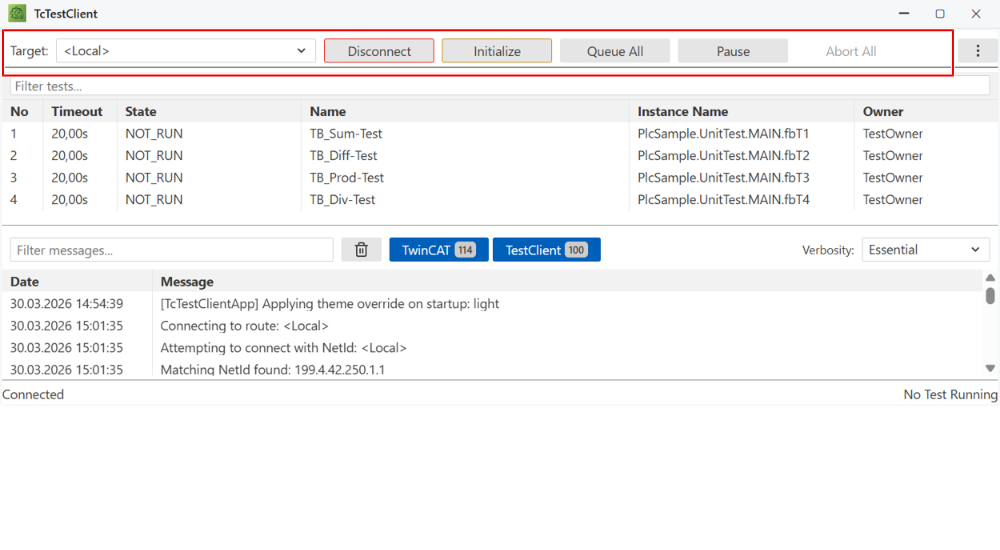
Button | Description |
|---|---|
Target | The choice of the target system on which the test project has been activated. |
Connect/Disconnect | Establish/terminate a connection to the selected target system. |
Initialize | Initialize test cases. This happens automatically after a “Connect”. The manual choice is only necessary if the test cases are loaded from a configuration file. It may contain test cases distributed across various target systems. |
Queue all | Start executing all test cases. |
Pause | Pause the execution of the test cases. |
Abort all | Stop executing the test cases. |