Automatic PLC code generation
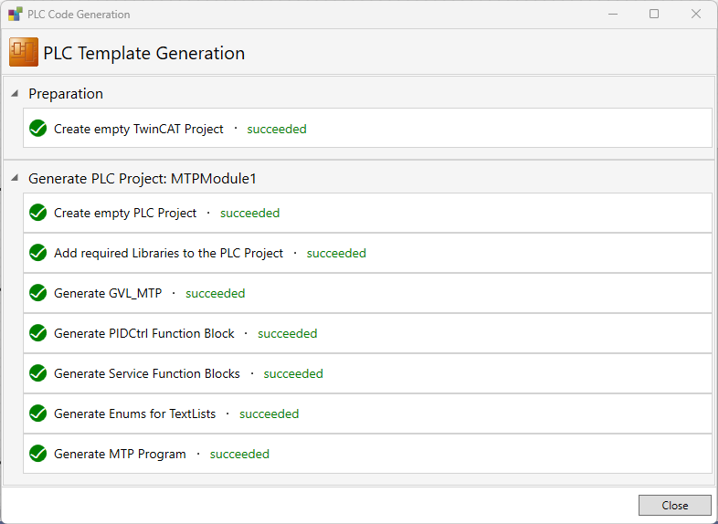
Create a new PLC project that serves as a base framework for programming by selecting Generate PLC Template in the project context menu.. Declare, instantiate, and initialize all DataObjects, Services, ProcessValues and TextLists.
The automatically generated program code is located in folders with the name MTP. The folder structure under TwinCAT PLC is as follows:
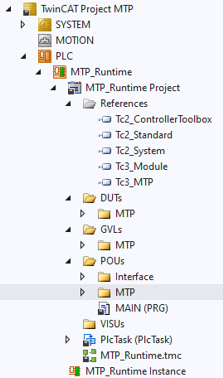
Set-up of the structure:
- References
- All installed libraries
- DUTs → MTP
- All text lists: Enum definition, service interactions, and service positions
- GVL → MTP
- Instances of the
DataObjectsand services - POU → MTP → MTP.PRG
- Calling
DataObjectsand services - POU → MTP → Folder with service name
- Declaration of the service and the procedures
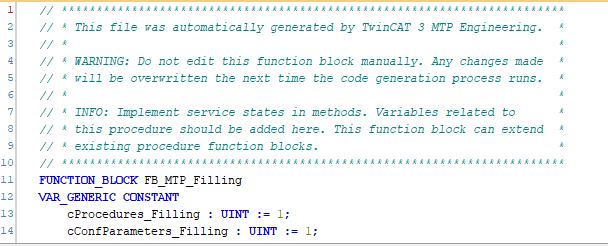
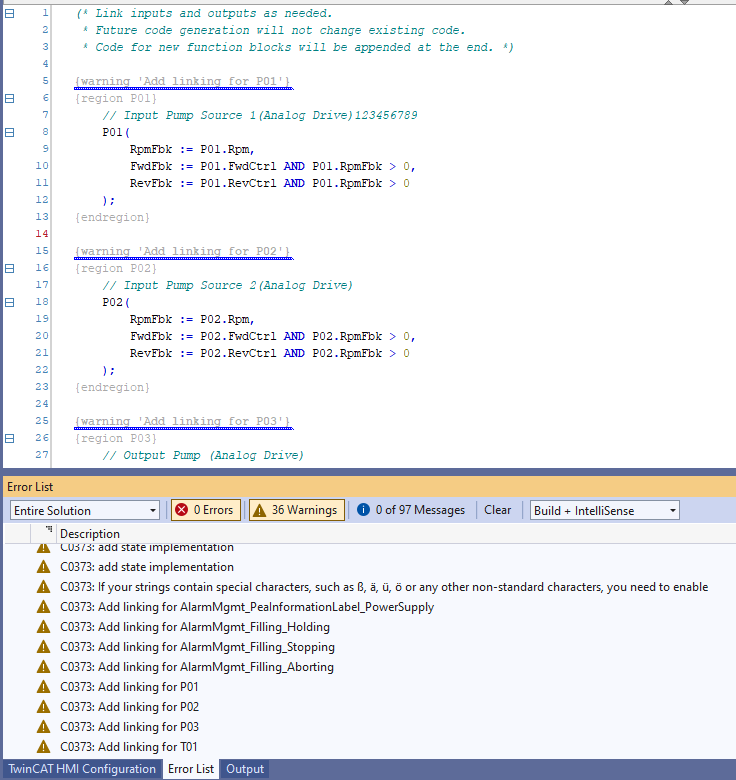
The automatically generated code contains comments with notes and warnings that describe which areas will be overwritten during the next code generation and where changes can/should be made: