Create and manage data sets
Data sets form the basis for training AI models. A data set contains the image data as well as the corresponding labels for the desired target classes.
Create a data set
Create data set creates a new data set. A data set name must be specified; additional metadata can be entered optionally.
Data set information
The left pane displays the most important information about the data set:
- Name of the data set
- Description
- Time of the last saved version
- Number of files included
- Training and test split
- Results of an initial ad hoc data set validation
By default, the data set is automatically split into training and test data:
- 80% training data
- 20% test data
The test data is used exclusively for subsequent model validation.
Actions
Uploading images
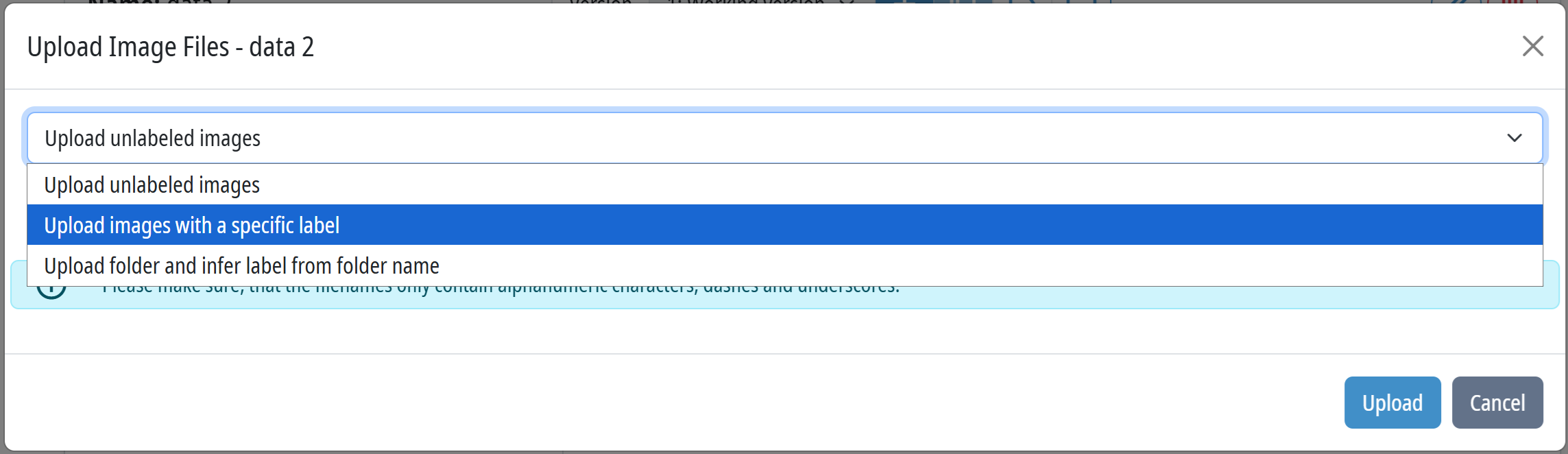
You can import image files into the data set using Upload image files.
Common image formats are supported.
Import labels
You can import existing label information using Import labels. This allows existing annotations from external tools to be imported.
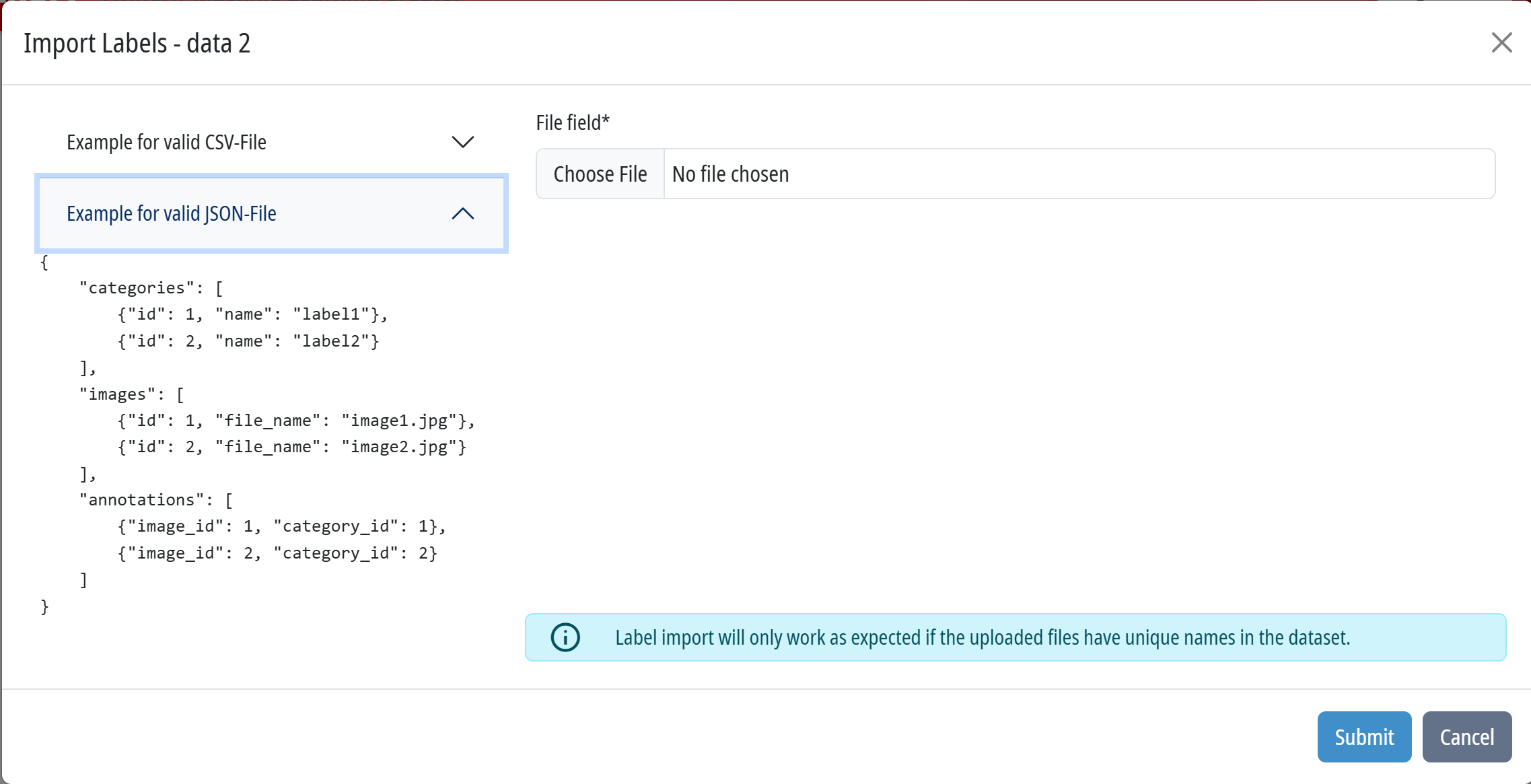
Alternatively, data can also be labeled on the platform.
Data set versions
Display and choice of the data set version. Data set versions represent a fixed and reproducible state of the data set and serve as the basis for model training.
A version that has not yet been versioned is displayed as a “working version”.
Create a new data set version
Click the + icon to create a new version of the data set.
This saves the current state of the data set. Only saved data set versions can be used for AI model training.
Clone a data set
You can duplicate a data set by clicking the  icon.
icon.
The cloned data set contains all the images, labels, and metadata from the original data set and can be further processed independently.
Label manager
Click the  icon to open the Label Manager. Here, you can create, edit, and manage class labels.
File explorer
Click the  icon to open File Explorer.
File Explorer allows you to view and navigate all files within the data set. This allows images to be managed, filtered, and reviewed individually. In addition, you can create and edit labels in File Explorer.