Algorithms
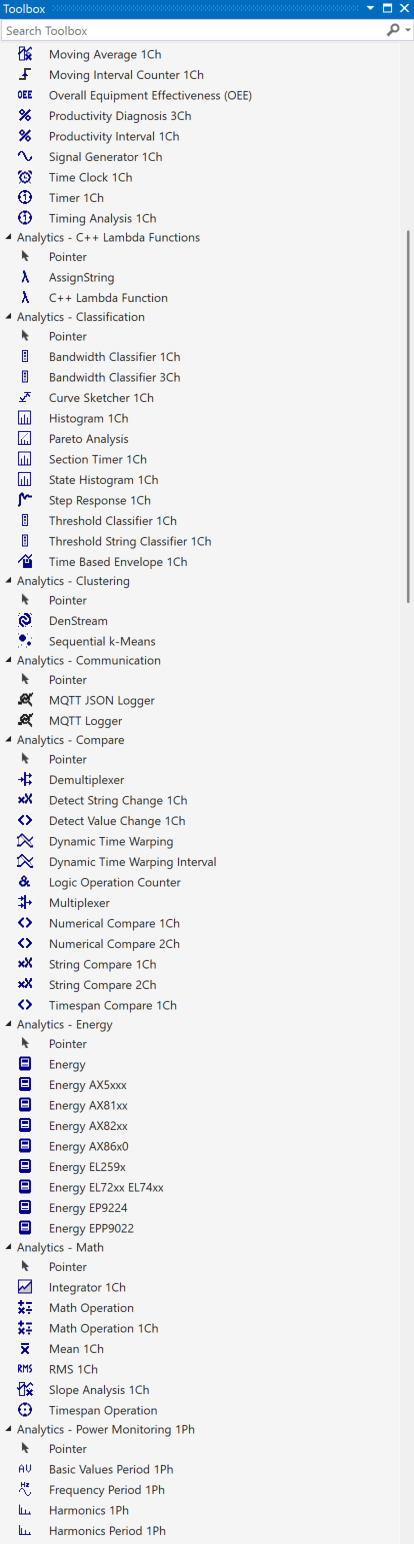
TwinCAT Analytics Engineering offers you a graphical user interface for easy use of mathematical algorithms from various categories. Depending on the installed workload and activated license, the algorithms of some or all categories are visible in the toolbox.
If none of the many algorithms fit your requirements, you can develop application-specific algorithms yourself using the TwinCAT Analytics Lambda function.
All algorithms have the same five icons in the top right-hand corner:

- Include in Referenced Scope: if you click on the Included in Referenced Scope icon, the algorithm outputs are added to a referenced Scope project.
- Include in Report: If you click on the Include in Report icon, the algorithm with the configured visualization will be integrated into a manual report.
- Eyeglasses: If you click on the eyeglasses icon you can see the optional parameter Enable Execution. You can select a Boolean signal for this parameter, so that the algorithm is just active, if the value of the selected signal is TRUE.
- Reset arrow: If you click on the arrow the output values of the specific algorithm will be reset.
- Minimize arrow: If you click on the minimize arrow on the right, the algorithm will be collapsed.
The various categories and their algorithms are described in more detail below.