Management of the content pages
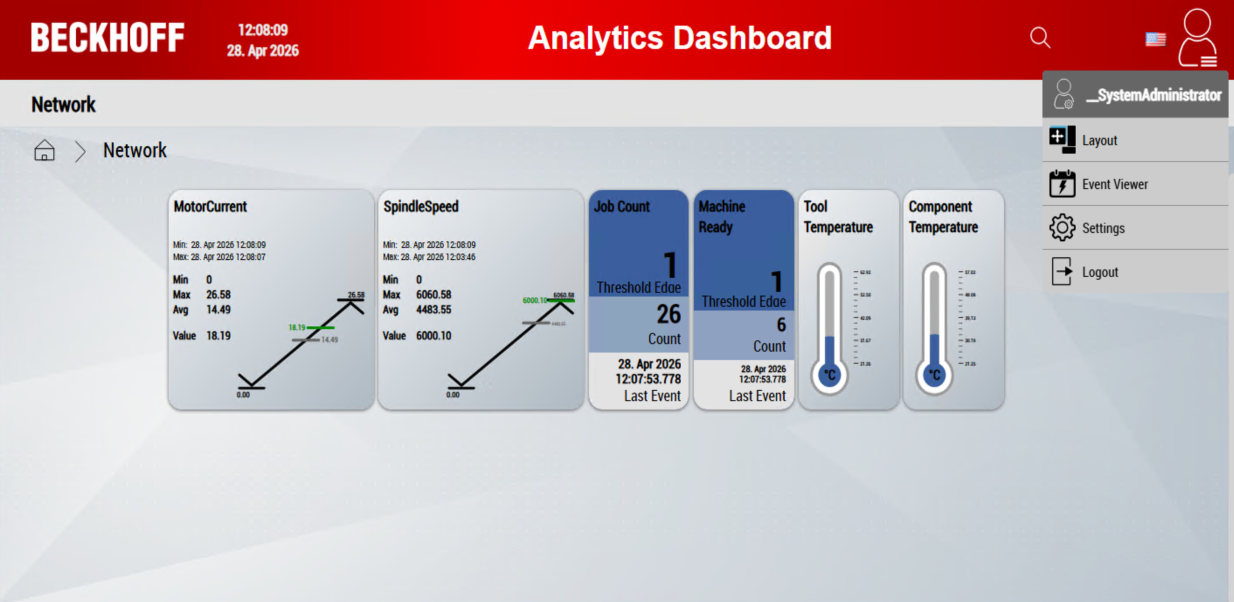
You can use the Content Management button to define the access rights of individual user groups for existing content pages. You also have the option of adding new content pages and activating them for selected user groups.
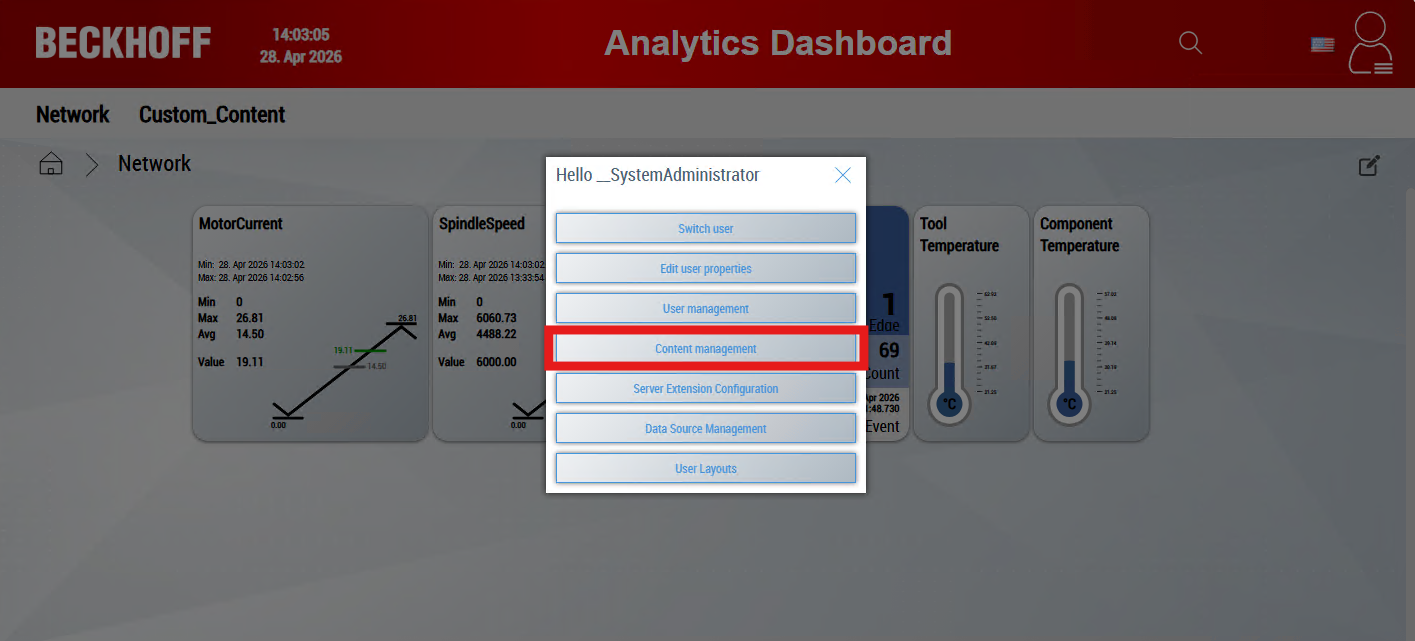
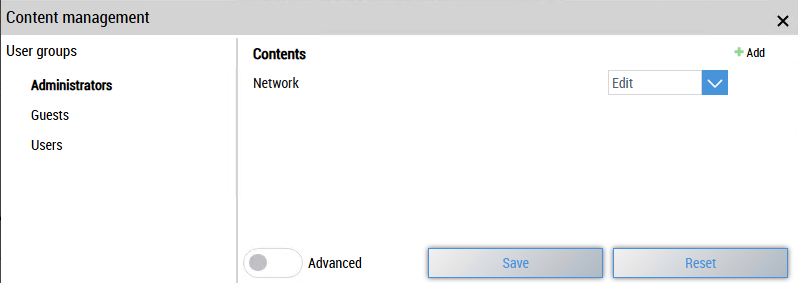
Select a user group on the left-hand side. You can then define the access rights for the respective content pages on the right-hand side.
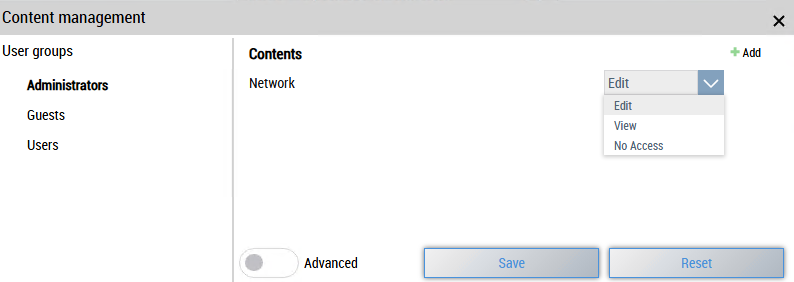
The following access rights are available:
Edit
Users in this group can customize the layout of the content, e.g. Move controls, change their size, show or hide them and – if supported – add new controls.
View
Users can view the content, but cannot make any changes.
No Access
Users cannot view the content. The content is also not displayed in the navigation.
Adding dynamic content
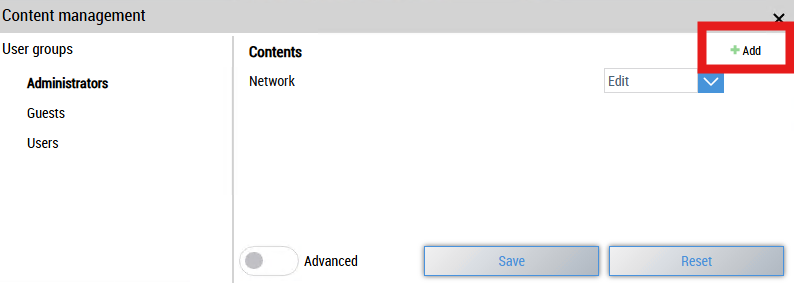
Users have the option of adding new dynamic content. New content can be created using the Add button. This is enabled by default for all user groups with the View access right and is displayed in the navigation bar. The access rights can then be adjusted as required.
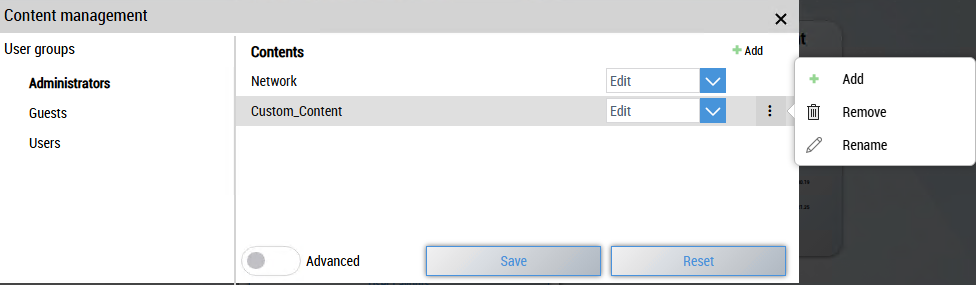
You can rename or remove the content using the three-dot menu on the right-hand side.
 | These options are only available for dynamically added content. |
As an alternative to the Add button at the top right, you can also add a new sub-content via the three-dot menu of an existing content.