Managing layout configurations
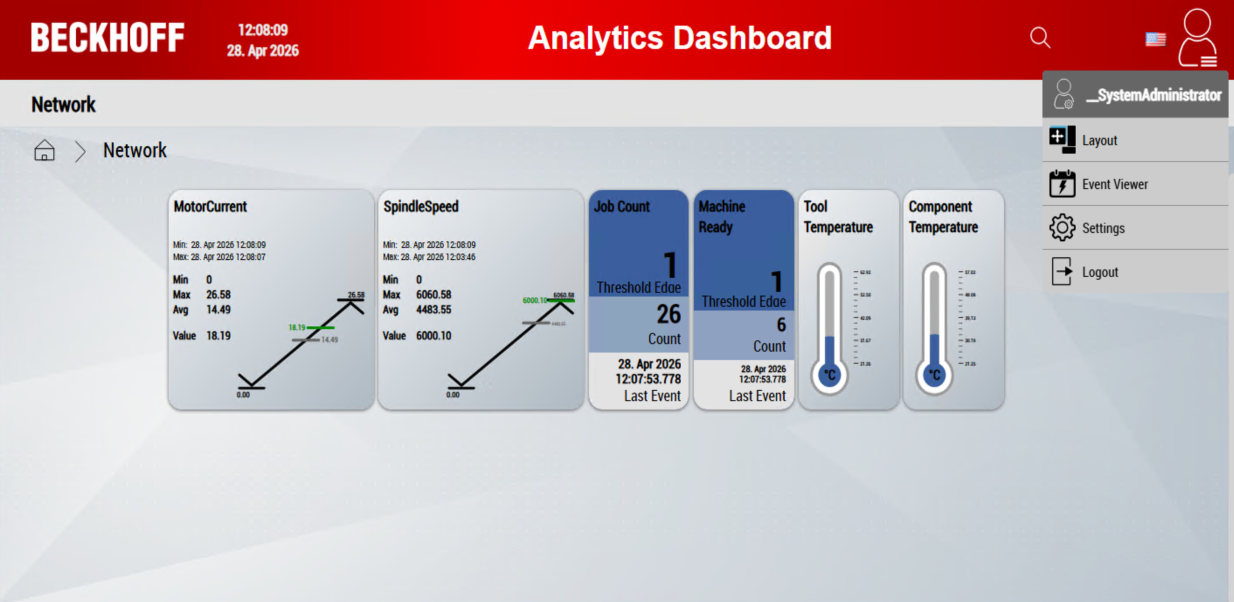
The User Layouts button allows you to manage layout configurations for individual users. These configurations include both the layout items saved in the server extension and the interactive charts generated.
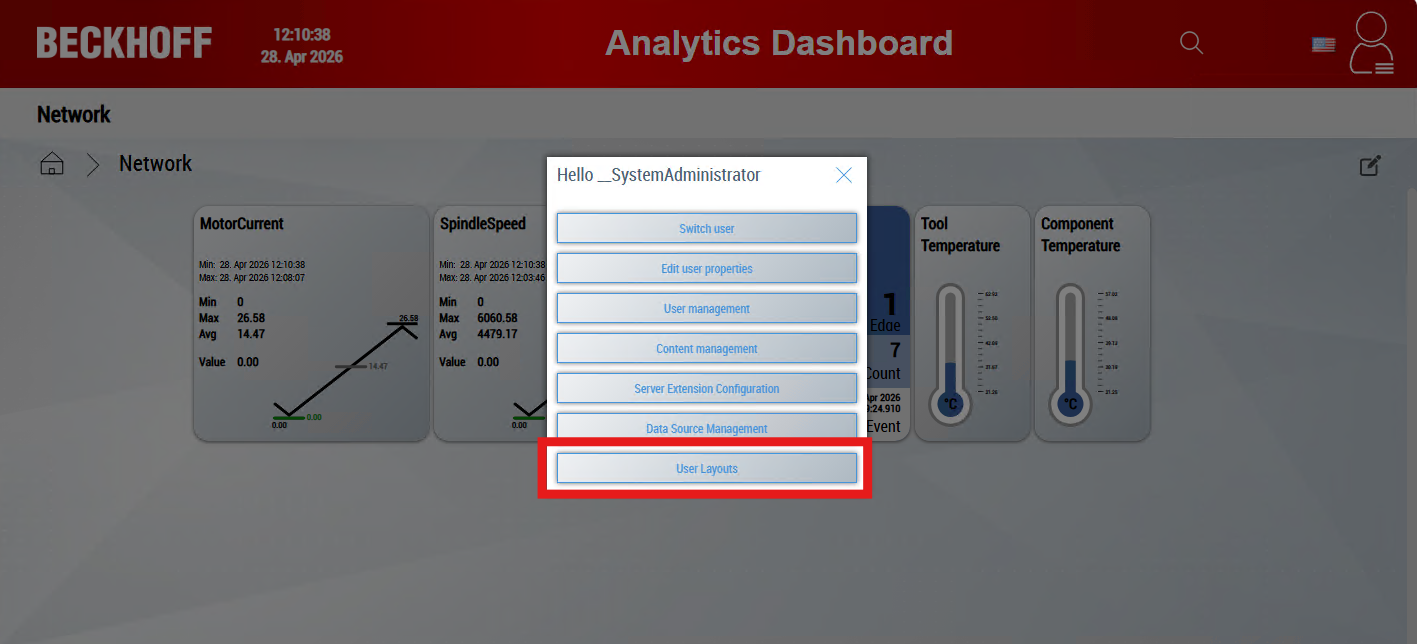
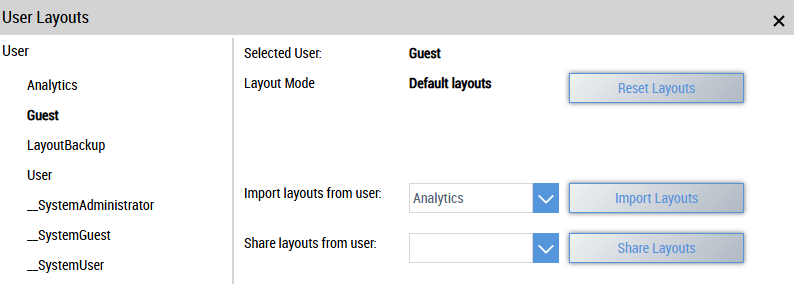
There is an overview of all users on the left-hand side. Choose a user to manage their layout configurations.
The selected user and the current layout mode are displayed on the right-hand side. The following layouts are possible:
Default layouts
The user has no individual layout configurations. The standard layouts are used.
Custom layouts
The user has their own layout configurations that are used.
Shared layouts
The user shares his layout configurations with another user. This allows multiple users to use the same layouts.
The following actions are available to you:
Reset layouts
Resets all layouts saved by the user, including the interactive charts created.
Copy layouts
Choose a user whose layout configurations are to be copied. Confirm the process with Copy Layouts. The selected user receives an independent copy of the layout configurations.
Share layouts
Choose a user whose layout configurations are to be shared. Confirm the process with Share Layouts. The selected user receives a reference to the layout configurations of the other user. If one of the users changes a layout configuration, the other user automatically receives the current version after a reload.