XTS Movement Analysis
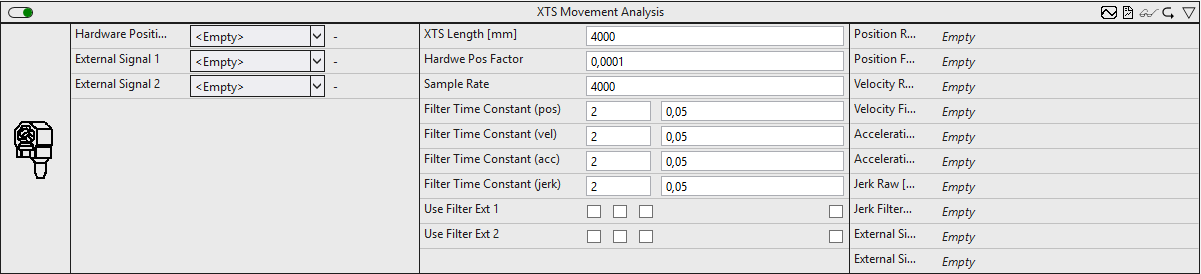
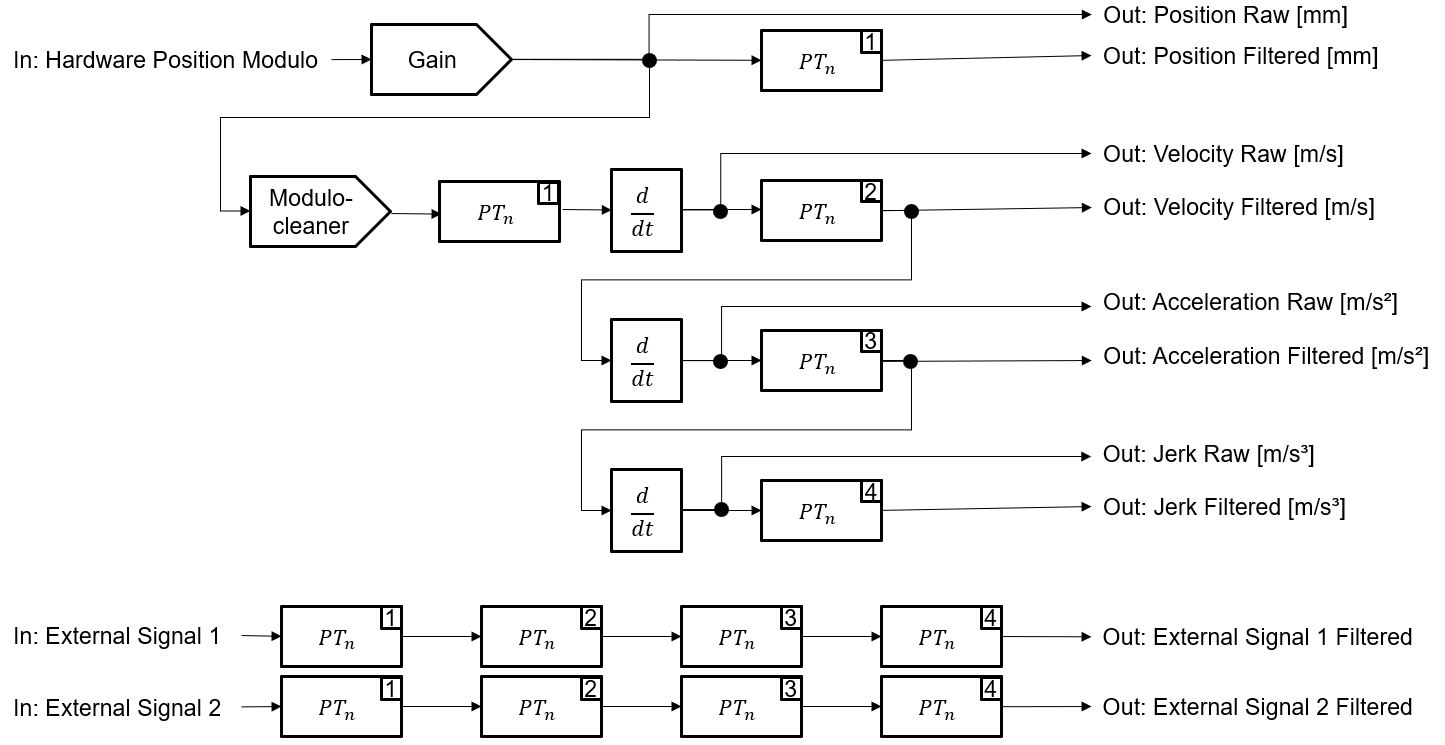
The XTS Movement Analysis calculates the position, speed, acceleration and jerk of an XTS mover. Various filter stages are chained together to smooth the signal. In order to be able to analyze additional, associated signals, the module enables the filtering of two further signals with the same filter stages.
Optionally, a Boolean signal can be selected for the Enable Execution input so that the algorithm is only active if the value of the selected signal is TRUE.
Configuration options
- XTS Length [mm]: length of the given XTS system in millimeters.
- Hardware Pos Factor: Factor for scaling the input signal in mm.
- Sample Rate: Sample rate (samples per second) of the input signal.
- Filter Time Constant (pos): Filter order and filter time constant of the PTn filter for calculating the position.
- Filter Time Constant (vel): Filter order and filter time constant of the PTn filter for calculating the speed.
- Filter Time Constant (acc): Filter order and filter time constant of the PTn filter for calculating the acceleration.
- Filter Time Constant (jerk): Filter order and filter time constant of the PTn filter for calculating the jerk.
- Use Filter Ext 1: Choice of whether the filter level (position, speed, acceleration, jerk) should be applied to the external input signal 1.
- Use Filter Ext 2: Choice of whether the filter level (position, speed, acceleration, jerk) should be applied to the external input signal 2.
Output values
- Position Raw: Position in mm.
- Position Filtered: Filtered position in mm.
- Velocity Raw: Speed in m/s.
- Velocity Filtered: Filtered velocity in m/s.
- Acceleration Raw: Acceleration in m/s².
- Acceleration Filtered: Filtered acceleration in m/s².
- Jerk Raw: Jerk in m/s³.
- Jerk Filtered: Filtered jerk in m/s³.
- External Signal 1 Filtered: External signal 1 to which the same filter stages can be applied as to the position signal.
- External Signal 2 Filtered: External signal 2 to which the same filter stages can be applied as to the position signal.
The following human-machine interface controls are available for the algorithm to generate an Analytics Dashboard:
The Table Control or List Control visualizes all output values.
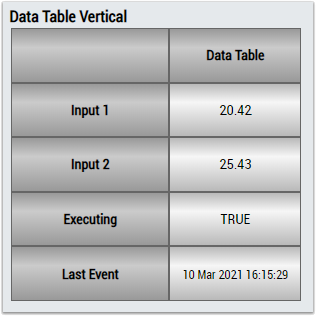
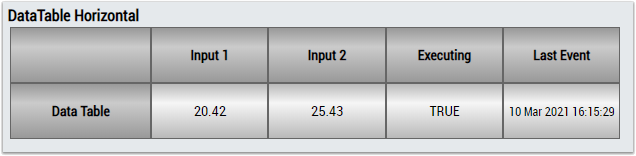
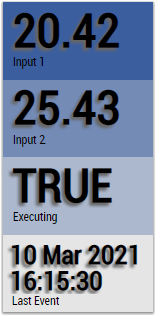
Alternatively, customer-specific HMI controls can be linked using the Mapping Wizard.