AM8xxx Smart System Diagnosis Value Extractor

The AM8xxxSSD_ValueExtractor enables the analysis of a motor equipped with the Smart System Diagnosis functionality. The built-in encoder records measured values from various internally installed sensors. These include the temperature and humidity in the encoder, as well as the acceleration in the X and Y directions. These measured values are provided as outputs.
Optionally, a Boolean signal can be selected for the Enable Execution input so that the algorithm is only active if the value of the selected signal is TRUE.
Output values
- Humidity: Humidity inside the encoder in %.
- Temperature: Temperature inside the encoder in °C.
- X RMS Acceleration: RMS of the acceleration in the X direction in g.
- X Kurtosis Acceleration: Kurtosis of the acceleration in the X direction.
- X Peak-Peak Acceleration: Peak-peak value of the acceleration in the X direction in g.
- Y RMS Acceleration: RMS of the acceleration in the Y direction in g.
- Y Kurtosis Acceleration: Kurtosis of the acceleration in the Y direction.
- Y Peak-Peak Acceleration: Peak-peak value of the acceleration in the Y direction in g.
The following human-machine interface controls are available for the algorithm to generate an Analytics Dashboard:
The Table Control or List Control visualizes all output values.
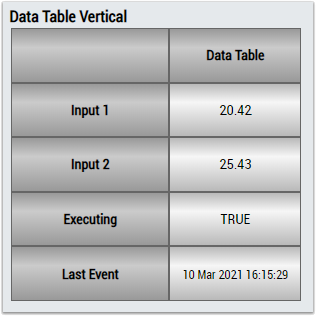
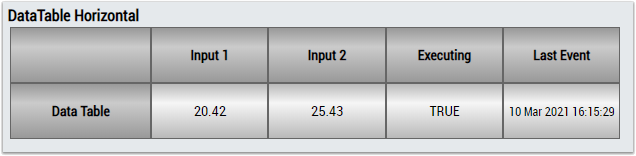
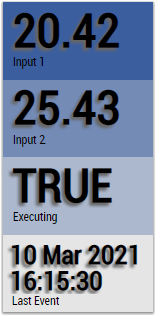
Alternatively, customer-specific HMI controls can be linked using the Mapping Wizard.
Preparation
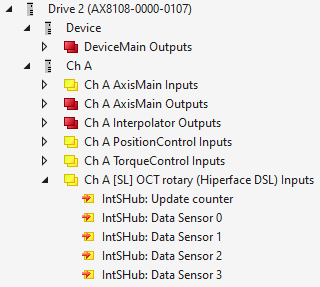
In order for the sensor values to be available for analysis, they must be added to the process image of the drive. This process is described below.
- 1. Create a TwinCAT project.
- 2. Scan the I/Os of the TwinCAT project.
- 3. Add a Drive Manager project to the solution.
- 4. Select the corresponding channel of the drive to which the motor with the B/SSD-capable encoder is connected.
- 5. Select the Advanced tab.
- 6. Further process data can be added in the Process data subitem.
- 7. Add the following process data:
IntSHub: Update counter
IntSHub: Data Sensor 0
IntSHub: Data Sensor 1
IntSHub: Data Sensor 2
IntSHub: Data Sensor 3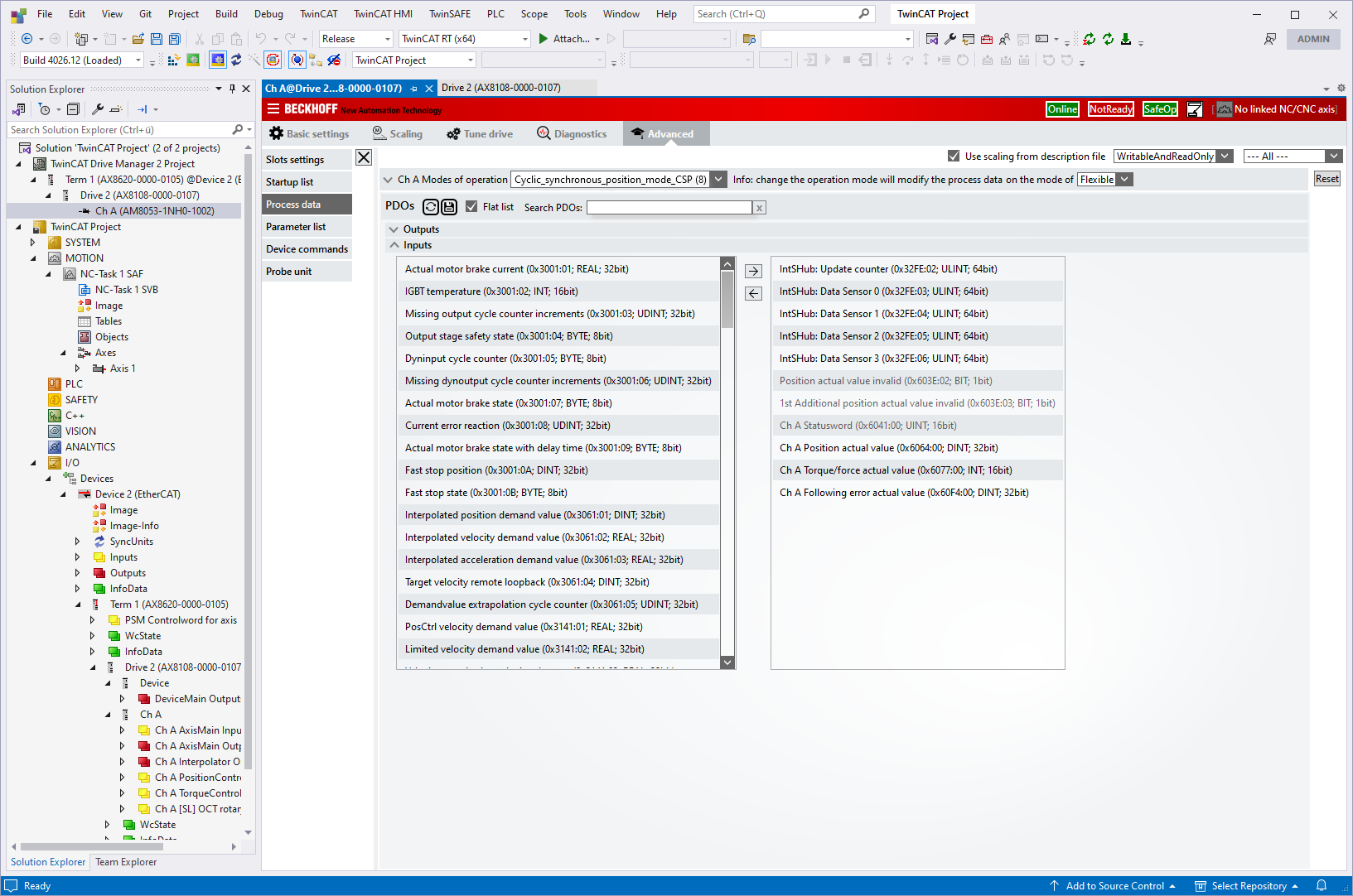
- Once the process data has been added, it is displayed in the I/O node and is available for analysis.