Queries
Under Queries, you can configure your own database queries as SQL (Structured Query Language) expressions.
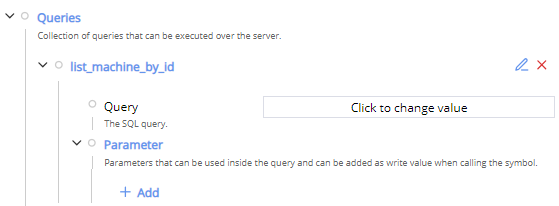
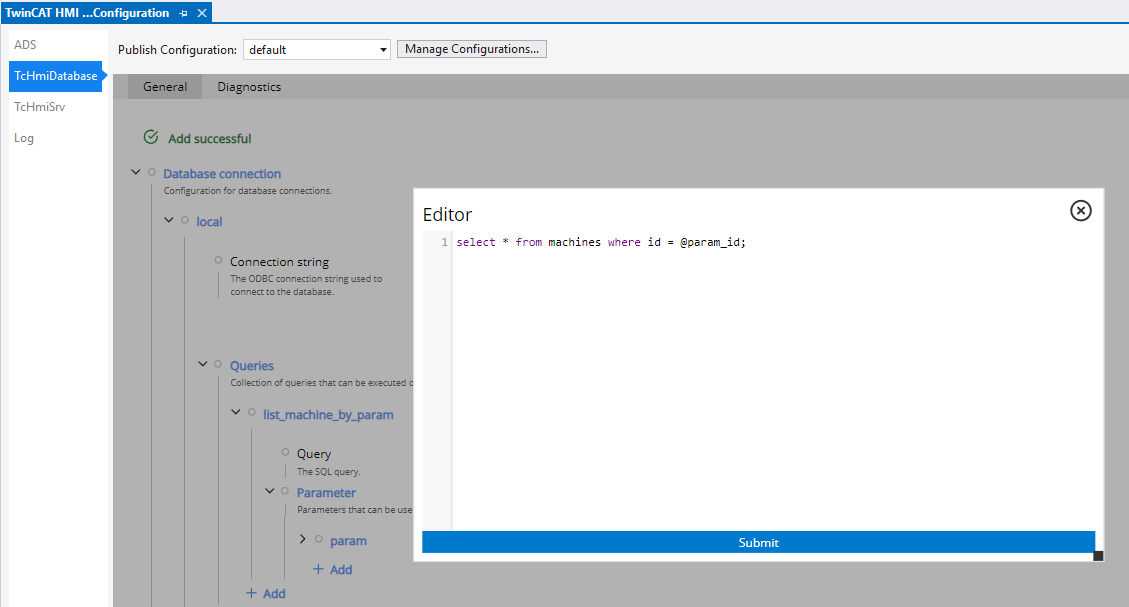
The query can be created using the text editor
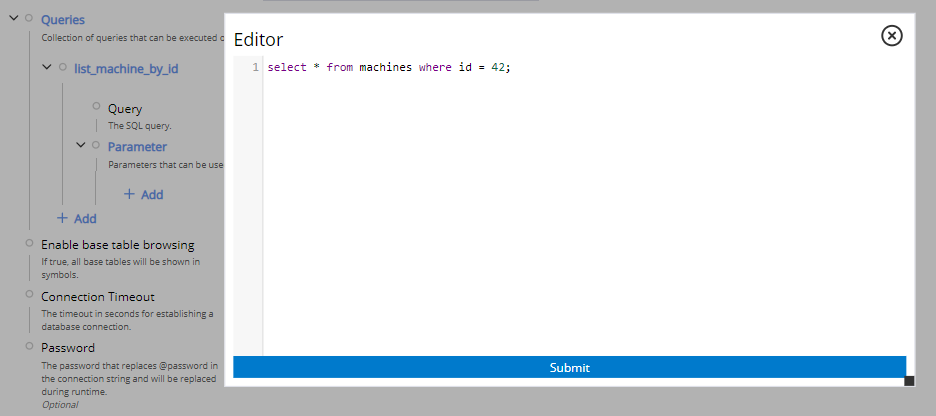
Please note the SQL syntax of the respective database system:
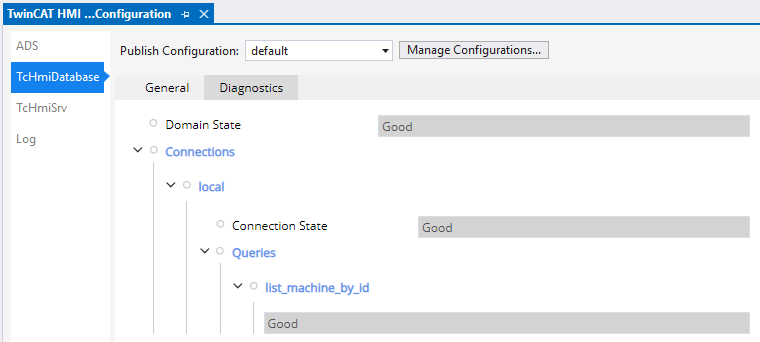
After creating the query, the status can be checked in the Diagnostics tab:
Parameters can be configured for the queries, which can be changed at runtime:
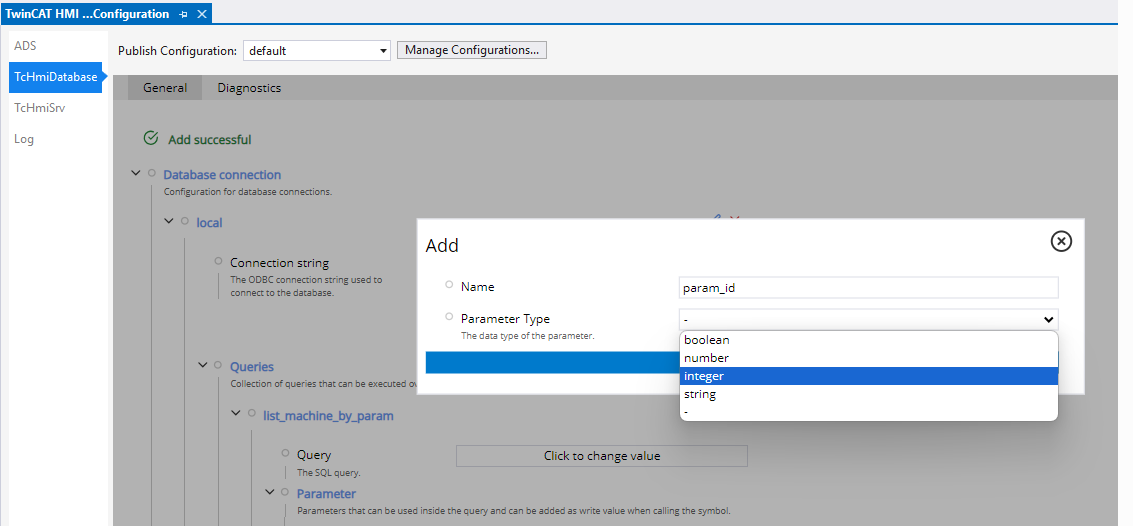
The parameters can be configured in the query using the @Parameter_Name syntax:
The parameter can be sent at runtime via the WriteValue:
{
    "commands": [
        {
            "commandOptions": [
                "SendErrorMessage",
                "SendWriteValue"
            ],
            "symbol": "TcHmiDatabase.local.list_machine_by_param",
            "writeValue": {
                "param_id": 42
            }
        }
    ]
}