'Execution' tab
This tab allows you to set various parameters related to the execution of the generated TcCOM module.
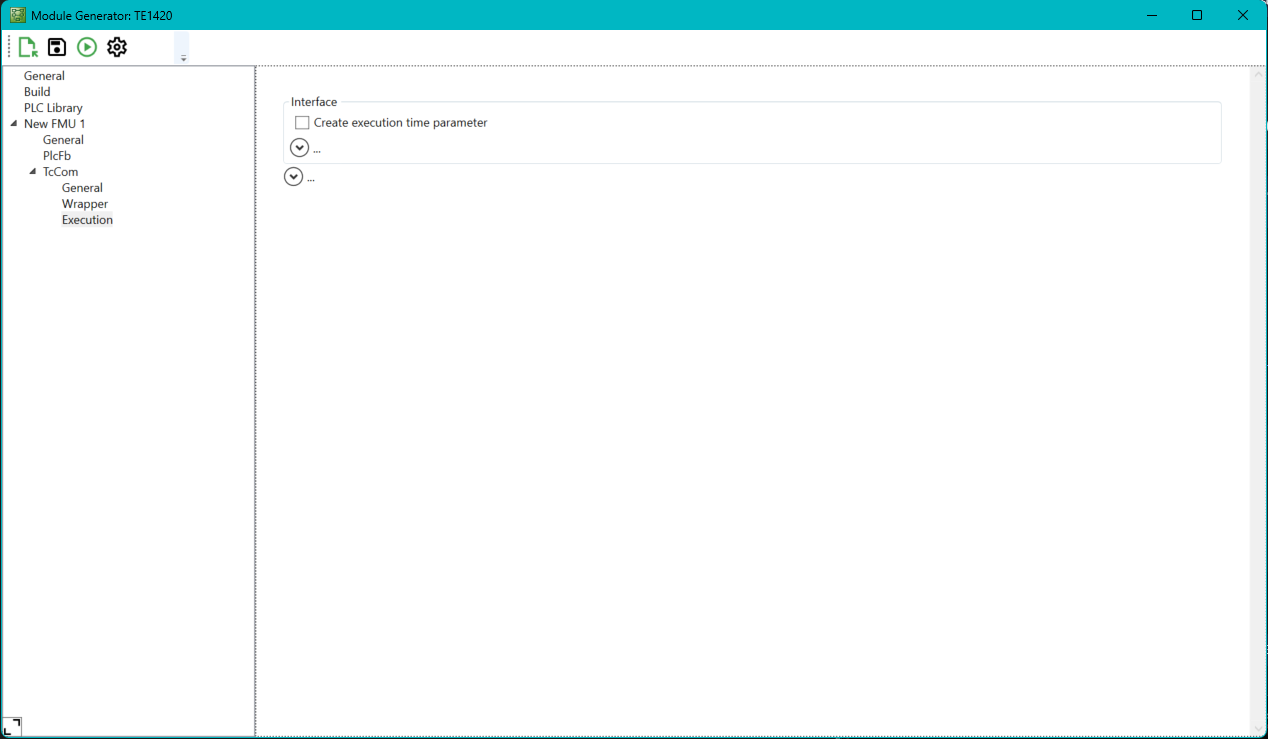
Setting | Meaning |
|---|---|
Create execution time parameter | Creates a module parameter in the Parameter (Online) tab, which can be used to read the execution time. |
There are also the following extended parameters, which are collapsed by default and do not normally need to be adjusted.
Setting | Meaning |
|---|---|
Create ‚ExcutionInfo‘ output | Creates a "ExcutionInfo" variable as output, which contains the execution time as part of the structure, among other things. |
Default module caller | Defines how the module is called (from another module or a task). |
Verify caller | Defines whether the caller is verified by the calling object. |
Default step size adaptation mode | Defines which time is used for the step size of the simulation calculations |
Default execution sequence | Defines the execution sequence of the processing (e.g. IO at the start of the task). |
Execute model code after startup | Defines whether execution is started directly after startup (analogous to the autostart function of the PLC). |