'Wrapper' tab
Under this tab you can set whether a wrapper function block should also be generated for a TcCOM module. This is generated in the PlcOpen XML format and can be imported manually into a PLC project.
Unlike the settings in 'PLC Library' tab, which create a PLC library in which the individual models are represented as function blocks, the settings in the tab TcCOM->Wrapper create a function block that "wraps" the call of the TcCOM module. In this case, the actual TcCOM module "lives" outside the PLC and is only called or influenced by it.
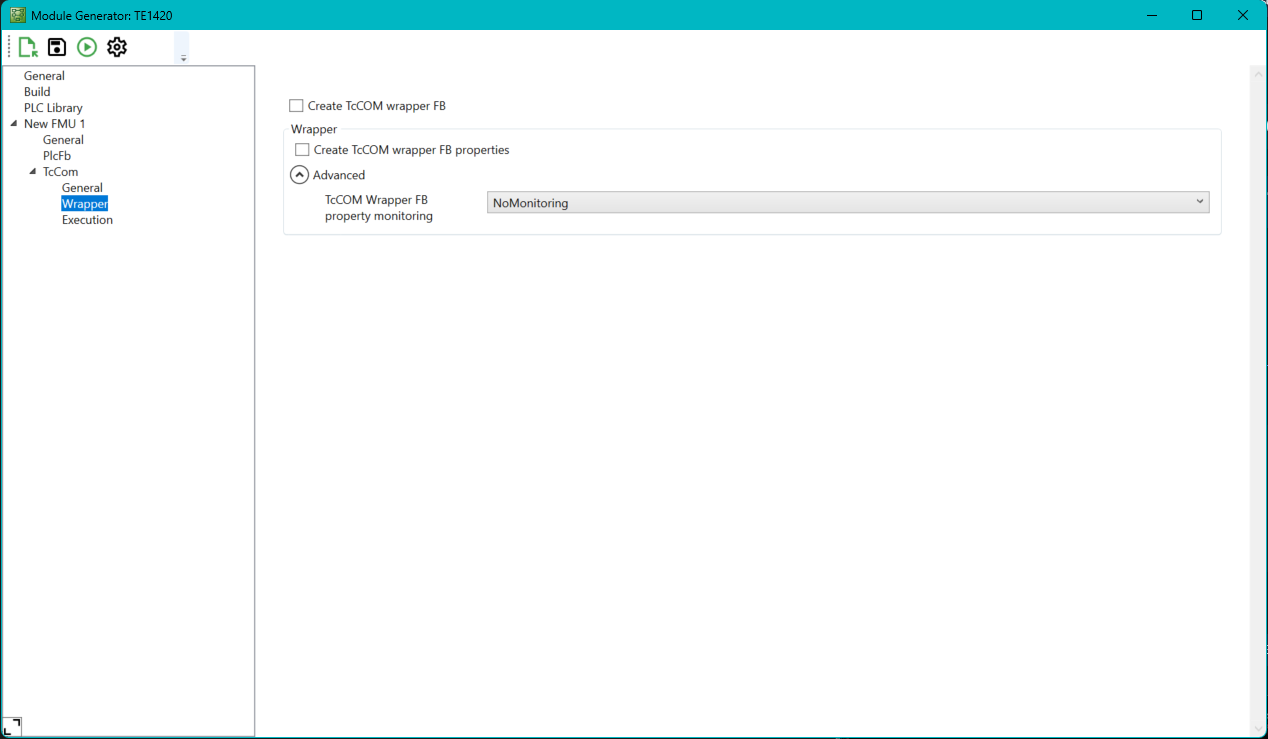
Setting | Meaning | Command line parameters |
|---|---|---|
TcCOM Wrapper FB | Creates a Wrapper FB. | --Class.TcCom.TcComWrapperFb |
TcCOM Wrapper FB properties | Creates a Wrapper FB where the variables are accessible as properties. | --Class.TcCom.TcComWrapperFbProperties |
There are also the following extended parameters, which are collapsed by default and do not normally need to be adjusted.
Setting | Meaning | Command line parameters |
|---|---|---|
TcCOM Wrapper FB porperty monitoring | Creates a variable to monitor the execution time. | --Class.TcCOM.MonitorExecutionTime |