Faceplate types
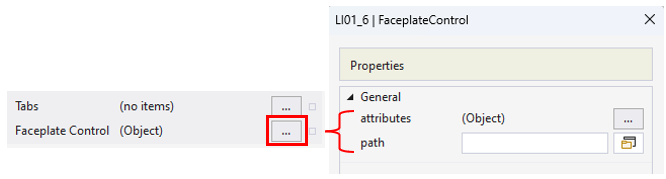
Faceplate types can be distinguished by binding them to the control. There are three options: predefined faceplate, Tabs property, and Faceplate Control property. The main difference between the Tabs and Faceplate Control properties is that a TabNavigation control is predefined and can be populated with multiple UserControls in Tabs while the Faceplate Control property expects a single dedicated UserControl.
The types below are sorted according to their priority (the lowest priority is at the top):
- Predefined faceplates make it easy to create an HMI. They already have all the essential elements for the HMI Process Library controls. This only works with MTP PLC library (TF8400 | TwinCAT MTP Runtime) or custom FBs that implement the exact variable interface.
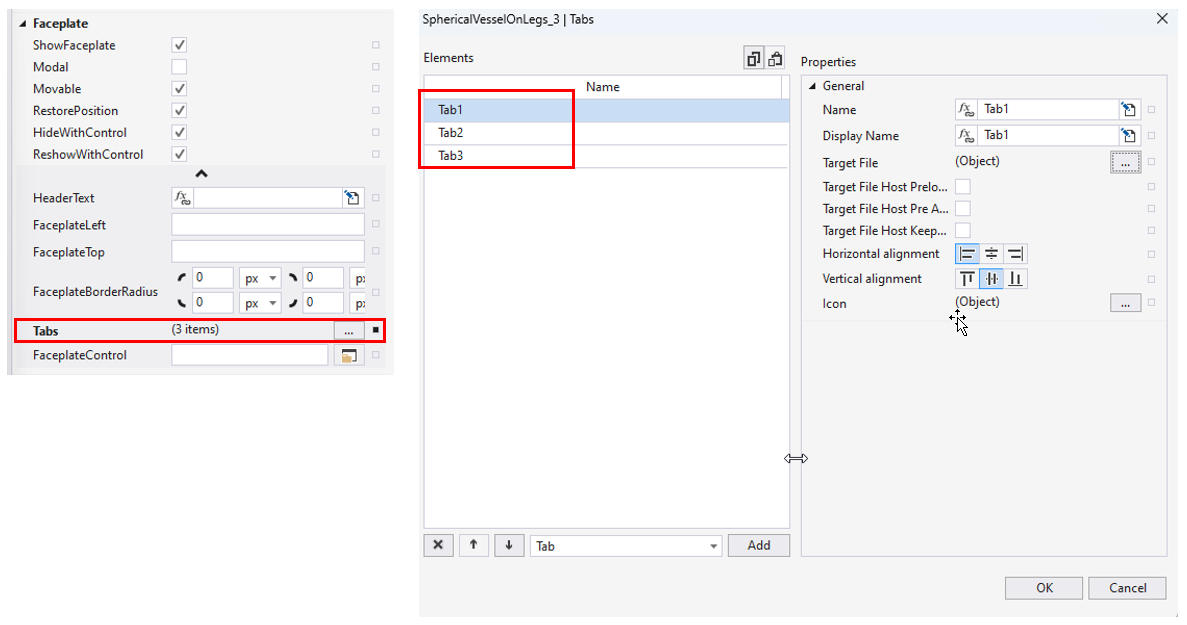
- The Tabs property allows custom tabs to be created for a pre-implemented TabNavigation.
- The Faceplate Control property allows the complete faceplate content to be overwritten with customized UserControls. The main difference from using Tabs property is that there are no tabs on the faceplate in this case.
 | Using PLC attributes to set Tab and Faceplate Control properties Special PLC pragma attributes can be used to set the Tab and Faceplate Control properties. |
Notice | |
Protection from deleting faceplates created by the user When the HMI Process Library NuGet package is being installed/updated, it places all the ready-to-use faceplate UserControls into the Faceplates folder for the TwinCAT HMI project and it is suggested that all the faceplates with the same names should be overwritten in this folder. To avoid overwriting, the own/adapted faceplate UserControls should have names that are different from the names of the faceplates from the HMI Process Library or should be moved into another folder. |
Predefined faceplate
Predefined faceplates are available for all controls and are used automatically if the Data Symbol property is linked to the MTP library FB instance. The Interlocks Tab property of the control can be used to add an Interlocks tab to the predefined tabs without having to recreate the predefined tabs.
Tabs property
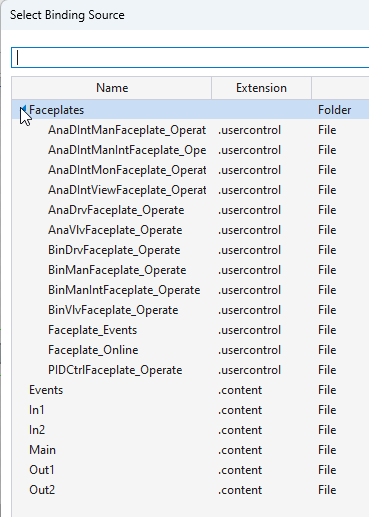
The Tabs control property allows faceplates that are available or have been created by the user and content elements to be shown as a faceplate tabs.
Faceplate Control property
The Faceplate Control control property allows the path to the desired UserControl to be set, along with its parameters, via attributes.