Adding third-party EtherCAT devices
Third-party EtherCAT devices that are not included in the TwinCAT ESI catalog can be added via CreateChild using the identification values from the manufacturer's ESI file. TwinCAT identifies each EtherCAT device based on three values from the ESI file: VendorId, ProductCode, and RevisionNo. These are passed either as an integer array or as a compact string representation.
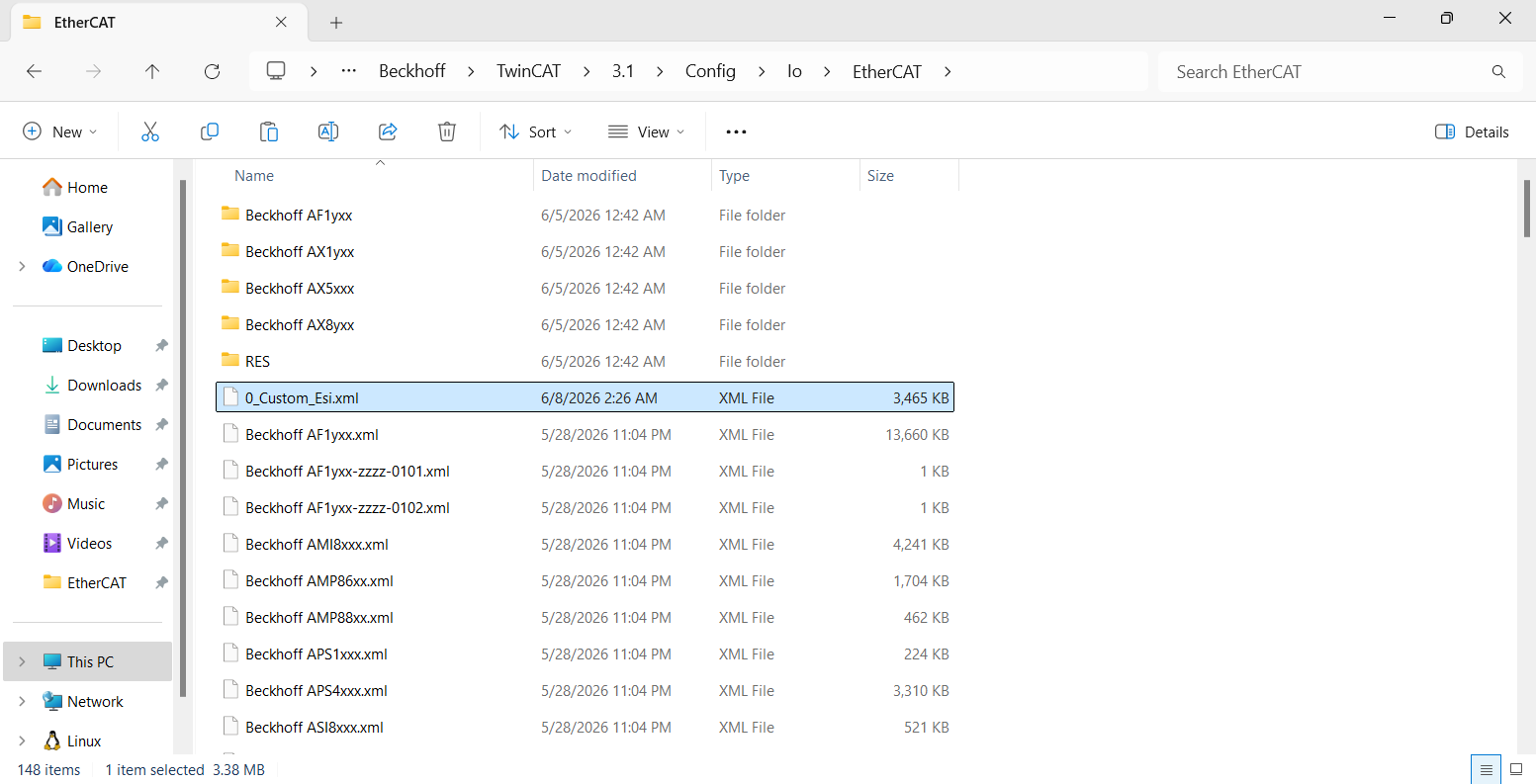
In order for TwinCAT to locate the third-party ESI file, it must be copied to the correct folder before the device is created.
Requirements
- The third-party ESI file is located in the directory
%LOCALAPPDATA%/Beckhoff/TwinCAT/3.1/Config/IO/EtherCATorC:/Program Files (x86)/Beckhoff/TwinCAT/3.1/Config/Io/EtherCAT - The TwinCAT solution is open with an EtherCAT master.
Reading values from the ESI file
The required values are stored in the manufacturer's ESI file in XML format. VendorId, ProductCode, and RevisionNo are located at fixed positions in the file structure and must be passed as hexadecimal values when calling the Automation Interface.
<!-- VendorId: in the <Vendor> node at the top of the ESI file -->
<Vendor FileVersion="7">
  <Id>2</Id>  <!-- decimal: 2 = hex: 0x2 -->
</Vendor>

<!-- ProductCode and RevisionNo: in the <Type> element of each <Device> node -->
<Device Physics="YY">
  <Type ProductCode="#x368ecc09" RevisionNo="#x00100000">AMI8000-0000</Type>
</Device> | The values must be passed in hexadecimal format. A decimal value <Id>106</Id> in the ESI corresponds to 0x6A in the vInfo array. The fourth Int value is the serial number, which is usually 0. The string representation “V6A_P00414B44_R1” is the more compact version and is available only starting with TwinCAT 2.11 R3 / 3.1. |
C# sample
ITcSmTreeItem ecMaster = sysManager.LookupTreeItem(@"TIID^Device 1 (EtherCAT)");

// Variant 1: integer array (all versions)
// vInfo[0] = VendorId (hex), vInfo[1] = ProductCode (hex), vInfo[2] = RevisionNo, vInfo[3] = SerialNo
int[] vInfo = new int[] { 0x2, 0x368ecc09, 0x001, 0 };
ITcSmTreeItem device = ecMaster.CreateChild("Drive", 9099, "", vInfo);

// Variant 2: string representation (TwinCAT 3.1 and later)
// Format: "V<VendorId>_P<ProductCode>_R<RevisionNo>"
ITcSmTreeItem device2 = ecMaster.CreateChild("Drive", 9099, "", "V2_P368ECC09_R001");