Removal of IO-Link devices
To remove a device that has already been inserted, proceed as follows.
- 1. Select the port from which the device should be removed.
- 2. Click the “Remove Device from port” button.
- 3. Activate the IO-Link configuration for the changes to take effect.
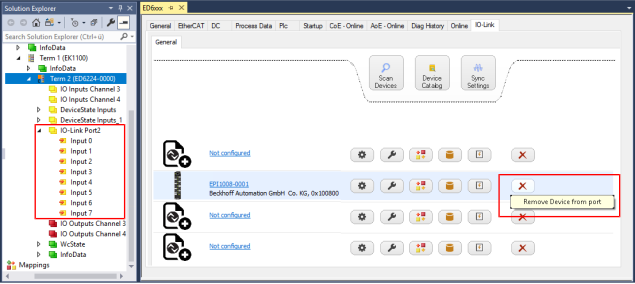 Fig.32: Removing the device on port 2.
- The process data that has already been created is removed.
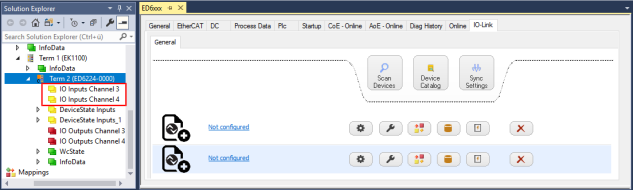 Fig.33: The device on port 2 has been removed, the process data is no longer displayed in the tree.