Establish ADS-over-MQTT connection
On your local computer with TwinCAT 3.1 XAE Engineering, you can use the template mqtt.xml for the ADS-over-MQTT route configuration.
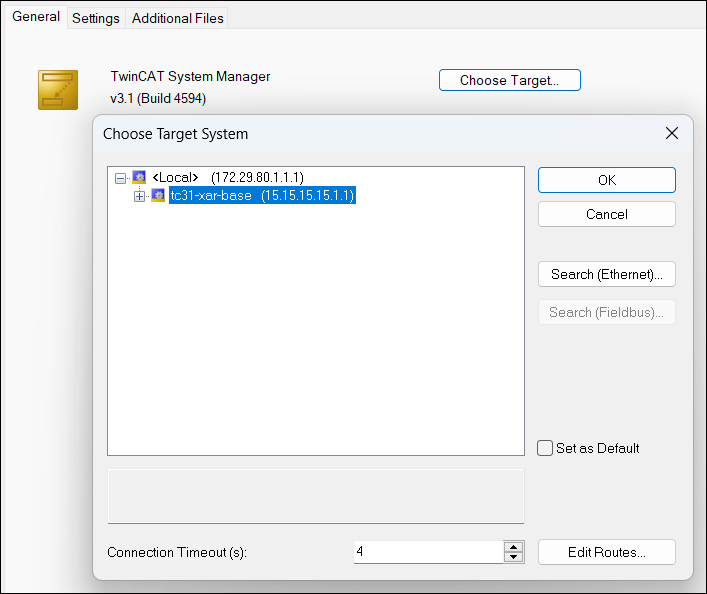
In the file mqtt.xml, replace the placeholder ip-address-of-container-host with the IP address of your Beckhoff RT Linux® industrial PC, and copy the file to `C:\Program Files (x86)\Beckhoff\TwinCAT\3.1\Target\Routes\`. After restarting your TwinCAT system service, the containerized TwinCAT runtime should be listed as an available target system. In the example's default configuration, it has the AMS Net ID 15.15.15.15.1.1: