Create CNC axis configuration

Right-click on CNC – Configuration (1) in the System Manager
Select Inert Task in the context menu…

Name the CNC task
Confirm the entry with OK

The System Manager expands in the CNC Configuration section to show the added CNC task. The logical CNC axes can now be added below the “Axes” icon.
Right-click on Axes within the axis configuration
Select Append Axis…
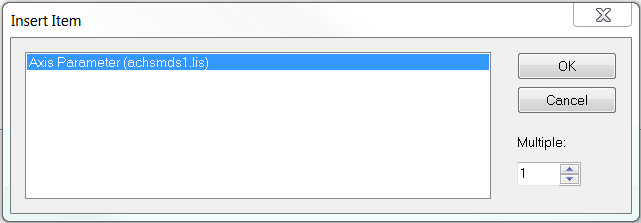
Select the axis type from the list
Confirm the selection with OK

In the System Manager the new axis appears with its name below the CNC task. Link the CNC axes with the drive, in order to enable control.
Open Axis_1 in the System Manager
Open the Configuration tab (2)
Link the CNC axis with the hardware axis via Link to I/O… (3)

Select the axis to be linked from the list
You can filter the list based on the axis link status. The Unused (4) filter only shows axes that are not linked. The All (4) setting shows all axes, irrespective of their link status.
Confirm the selection with OK